
Nordic IPTV · Live TV
Nordic IPTV Subscription for Live TV, Movies & Series Across the Nordics
Bring live television, films and series to your favourite screen. Compare IPTV Nords plans for Sweden, Norway, Denmark, Finland and Iceland.
Nordic coverage
Choose your local starting pointNordic IPTV packages · clear terms
Compare Nordic IPTV Standard, Premium and VIP for one, three, six or twelve months. Every displayed plan includes one simultaneous connection, and the price shown is the total for the selected term.
Essential Nordic IPTV viewing for one main screen.
Total for selected term
Check your devices
Plan highlights
Friendly support
More Nordic IPTV choice for your favourite screen.
Total for selected term
Check your devices
Plan highlights
Friendly support
The fullest Nordic IPTV selection for your main screen.
VIP choiceTotal for selected term
Check your devices
Plan highlights
Friendly support
THE IPTV NORDS EXPERIENCE
From live channels to movie nights, find the features and support that fit your home.
Enjoy a detailed picture on supported streams, matched to your screen and connection.
Follow news, entertainment and everyday channels in your IPTV Nords package.
Browse available films, seasons and episodes for your next evening at home.
Follow football, hockey and more. Check event availability in your chosen plan.
Explore IPTV guidance for Sweden, Norway, Denmark, Finland and Iceland.
Plan your evening with programme listings, where EPG is available in your player.
Use a compatible TV, box, phone, tablet or computer, one connection at a time.
Pick available audio tracks and subtitles for the shows and films you enjoy.
Keep your go-to channels close with a favourites list in supported IPTV apps.
Manage viewing access with parental locks and settings in supported player apps.
Pick 1, 3, 6 or 12 months of Standard, Premium or VIP, with clear term pricing.
Message IPTV Nords for help with packages, orders and setting up your main device.
Your Nordic IPTV entertainment, organised
Start with the way you like to watch. Explore each Nordic IPTV category, see how it fits your home setup and confirm the current choices that matter before selecting a package.
Keep familiar live channels, news and everyday viewing organised for your home.
Explore this category
Make film-night choices easier to browse across your favourite genres and languages.
Explore this category
Find long-form series and Nordic favourites without a cluttered start point.
Explore this category
Prepare your supported device and connection before the events your household wants to follow.
Explore this categoryChannel, title and event availability depends on your package and location. Ask about your must-watch choices before ordering.
Nordic IPTV · Live TV
From morning news to an evening documentary, live television gives the home a familiar rhythm. Compare Nordic IPTV with your country, preferred languages and main screen in mind, then confirm the current channel selection before choosing a term.
Start with a short list of the channels you enjoy most. Ask the team to confirm the current selection for Sweden, Norway, Denmark, Finland or Iceland, and check the programme guide in your chosen player. Favourites, channel groups and an accurate local clock can make daily browsing quicker and more comfortable.
Use an electronic programme guide where the channel and player support it. Match the guide time to your local time zone.
Save the channels you use regularly in a favourites group if your player offers one, so everyday viewing takes fewer clicks.
Tell us the country and audio languages you prefer. We can help you check the relevant choices before you select a term.
Nordic IPTV · Movies
Choose a weekend adventure, a comedy after dinner or a film the whole household can enjoy. Review the movie selection, audio and subtitles available in your Nordic IPTV package, then settle into a setup that suits your screen.
Before you press play, check the title details, available audio tracks and subtitles in your player. HD, Full HD and 4K depend on the individual stream, your device and connection. A stable home network and a comfortable picture setting matter more than choosing the highest resolution every time.
Browse the genres available in your package or search for a specific title. Ask about must-watch films before ordering.
Check subtitles and audio on the title itself. Available languages can differ between films and versions.
Choose a stream your television and network can play reliably, then adjust the screen and sound for your room.
Nordic IPTV · Series
Slow evenings, weekend catch-ups and the next episode of a favourite story deserve an easy starting point. Browse the series and seasons currently available, choose a compatible player and keep your Nordic IPTV routine organised.
Check the available seasons and episodes before starting a new series. Some player apps can remember your progress or keep a watchlist, while others handle these features differently. Use one familiar player, review subtitle choices and keep track of your place for a smoother return the next evening.
Open the season and episode list for your chosen title. Check availability if you are looking for a particular instalment.
Use the watchlist or resume feature when your player supports it. These controls belong to the app you choose.
Select an available subtitle or audio track for each episode and adjust subtitle size in compatible players.
Nordic IPTV · Live Sports
Football nights, ice hockey, tennis and other live events are better when the main screen is ready in advance. Tell IPTV Nords which competitions matter to you, then confirm the relevant channel and event availability for your country and package.
Open your player before the start, check the programme guide and test the stream on the device you will use. A wired connection can help where Wi-Fi is inconsistent; avoid large downloads on the same network during viewing. Keep your player updated and use the support route if a channel or schedule needs checking.
Share the competition, date and country when asking about coverage. Event and channel availability can change.
Test the network near your television and choose a picture quality that plays consistently on your setup.
Include the device, player, channel and time of the issue so the team has the details needed to help.
More ways to spend an evening
Mix your viewing routine with family choices and documentary subjects. Confirm the titles and languages available in your package, then keep the favourites your household returns to.
Browse the age-appropriate choices in your package, review ratings together and use parental controls where your player provides them. A short favourites list helps everyone find the right starting point.
Explore family setup
Nature, travel, history and science can turn a quiet evening into something memorable. Search the available documentary selection and check audio or subtitle options before you settle in.
Ask about the selectionNordic countries
Sweden, Norway, Denmark, Finland and Iceland each get a clear starting point for language, device compatibility, connection checks and support.
Nordic IPTV guidance for Swedish homes using Smart TV, Android TV and popular streaming devices.
Nordic IPTV guidance for Norway, from the main device and player app to a stable home connection.
Nordic IPTV guidance for Danish homes comparing a main screen, player app and subscription term.
Nordic IPTV guidance for Finnish households that want clear device, language and setup information.
Nordic IPTV guidance for Icelandic viewers checking supported screens, player apps and setup details.
From Nordic IPTV plan to main screen
Choose the term, check your device, review the country guidance and keep your player and connection details ready if you would like a hand.
Compare Standard, Premium and VIP, then choose 1, 3, 6 or 12 months to suit your viewing needs.
Start with your Smart TV, streaming box, phone or tablet, and check which IPTV player works with it.
Test the connection on your main screen. Use stable Wi-Fi or an Ethernet cable where available.
Share your country, device model and preferred player app so our team can guide your next steps.
YOUR DEVICES. YOUR NORDIC IPTV.
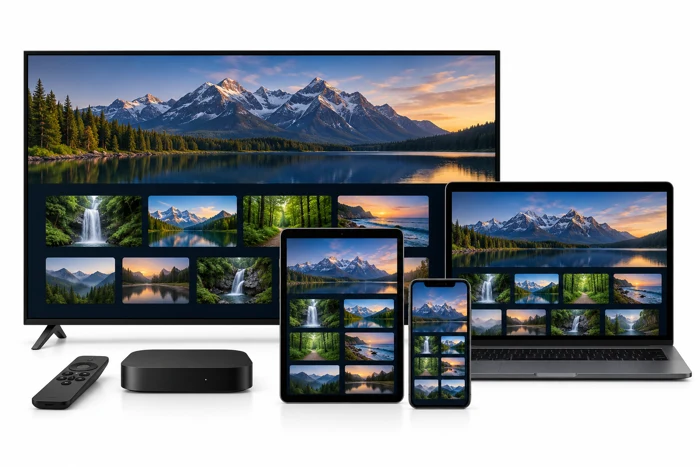
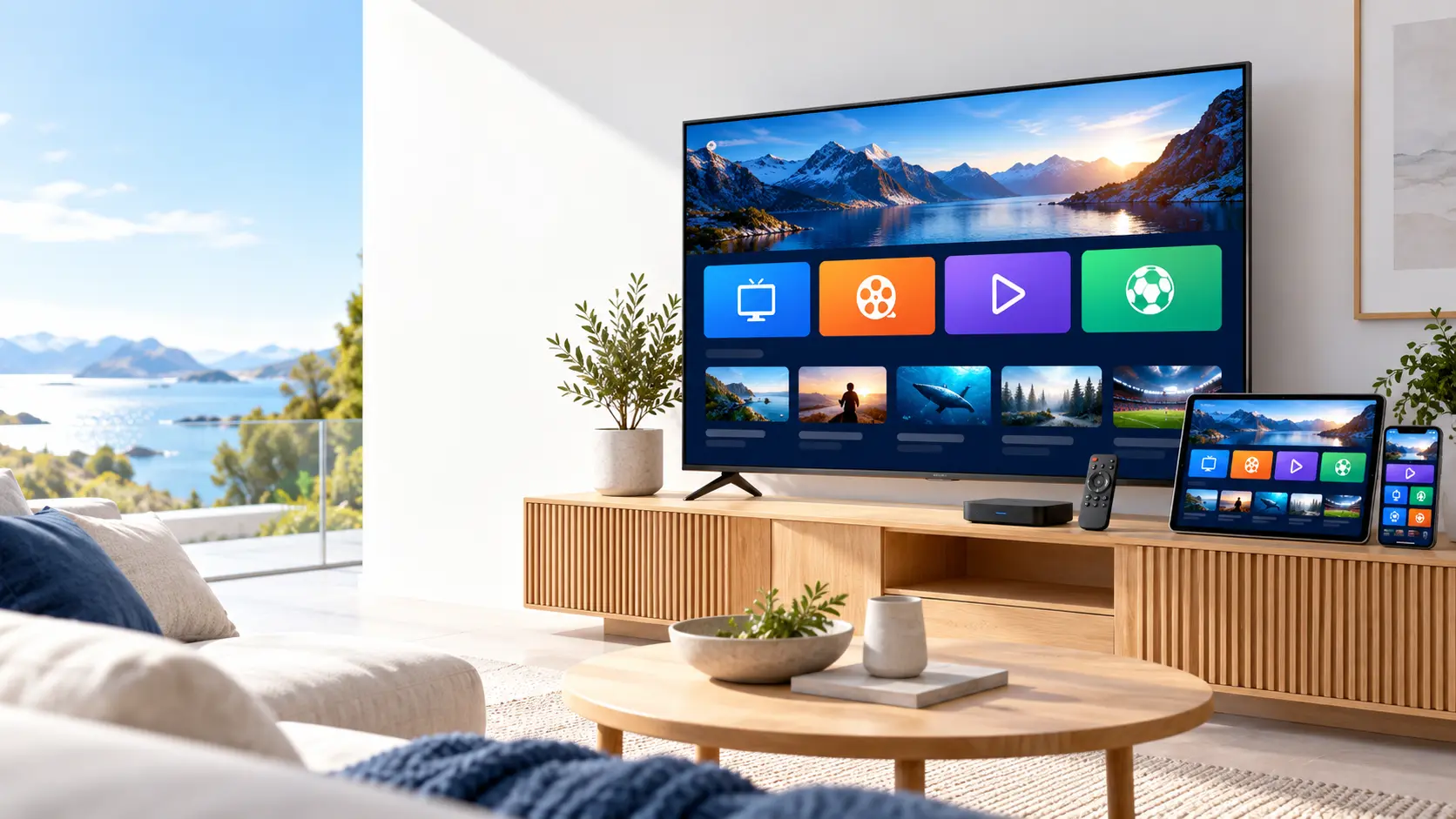
Enjoy live TV, movies and series on a compatible Smart TV, streaming device, phone, tablet or computer. Find the right IPTV player for your device and follow our setup guide.
One subscription. One screen at a time. Switch between compatible devices by stopping playback on your previous screen. Need help? Ask us to check your device model and player.
See compatible devices
Get more from your IPTV Nords setup
Explore practical tips for finding content, connecting your player and keeping your Nordic IPTV setup easy to use.
Find the country and channel groups in your package, then keep the channels you watch most easy to reach.
Browse the available film library by genre or title. Check the synopsis, audio and subtitles before you press play.
Review the seasons and episodes available for your chosen series, so you know where to start and what comes next.
Ask which channels support replay in your package, then check the available viewing window in a compatible player.
Add the playlist URL supplied with your account to a compatible IPTV player. Enter it exactly and keep your access link private.
If your account includes Xtream Codes access, enter the supplied server URL, username and password in your player.
Using a portal-based device? Share its exact model with IPTV Nords to confirm the right connection method before you change settings.
Refresh the channel or on-demand list from your player when needed. Keep the account details that already work for your setup.
If a stream struggles to play, review the playback options your app supports and test one change at a time.
Keep programme listings aligned with your local time. Check your device clock and the EPG offset in supported players.
Try another channel or movie, then note the device, player and time of the issue so support can help you narrow it down.
Keep your subscription end date handy. Contact IPTV Nords before expiry to confirm your next viewing term and current price.
Check the connection on your viewing device. Try a wired connection where possible, or move closer to your Wi-Fi router.
Set up a compatible player on your next device. Stop playback on the first screen before switching to your new one.
Check the parental settings in your IPTV player. Use a PIN to manage access to supported channels and content on your device.
Available features and connection methods vary by package, device and player. Ask IPTV Nords about the options that matter to you before ordering.
Nordic IPTV questions
Find practical answers about packages, compatible devices, one simultaneous connection, setup and the right support route.
Review the Devices page for a practical list of televisions, streaming devices, phones, tablets and computers.
Every displayed Standard, Premium and VIP package includes one simultaneous connection. Review compatible devices and choose the main screen you want to use before ordering.
Use the term selector above the three packages to compare the price, connection allowance and included plan details before you continue to checkout.
Use the Setup Guide for a plain-language route through device selection, home connection checks and player apps.
Payment options
Choose your preferred method at checkout. The team will confirm availability and payment details for your order.
Confirm your order instructions before making a payment.