
IPTV NORDS • SMART TV BUYING GUIDE
Your television is the centre of your home entertainment. Choosing an IPTV subscription for Smart TV should therefore start with how you actually watch: the live programmes you return to, the films you enjoy after work, the series you follow and the languages your household prefers. The right package brings those priorities together on a compatible screen at a price and subscription length you understand.
At IPTV Nords, the published range includes Standard, Premium and VIP packages, with one-, three-, six- and twelve-month options. This guide helps you compare those choices from the perspective of your living room. You will learn what to check before ordering, when a higher tier is worth considering and how to prepare a clear request so you can select a suitable subscription with confidence.
Compare IPTV Nords Standard, Premium and VIP, then confirm your TV model and preferred content before placing your order.
Start with the Smart TV you already own
A good buying decision starts with a precise device name. “Smart TV” describes many different televisions, operating systems and app stores. Two screens with similar picture specifications can have different player options. Before you compare subscriptions, find your television’s brand, model number and approximate model year in its settings or on the rear label.
Next, decide whether you want to use an application installed directly on the television or an external streaming device connected to it. A direct TV application can keep the setup simple, while a separate compatible player device can be useful when your television’s own software does not offer a suitable option. Compatibility should be confirmed for the exact model and player combination before you spend money on a new box or subscription.
The IPTV Nords devices page is the place to begin that conversation. Provide the device details rather than relying on a general statement that a service works on Smart TVs. Ask which player is suitable, whether its installation is available in your region and whether any separate player charge applies. These small checks help you understand the complete purchase.
Buy for your everyday viewing routine
Think about a typical week rather than every programme you might someday watch. If your television is mainly used for evening live TV, begin with those channels and languages. If weekends are for films, prioritise the relevant movie selection and audio options. If several people share one television, list their most important categories so the chosen package works for the household as a whole.
This approach gives you a useful shortlist. A larger catalogue only adds value when it contains entertainment you want. Your goal is to find a package you will enjoy using repeatedly, with a manageable price and a clear understanding of what is included.
IPTV Nords Standard vs Premium vs VIP
The IPTV Nords pricing page presents three tiers. Standard is positioned as essential viewing for one main screen, Premium as a broader selection, and VIP as the fullest advertised selection. The table below records the publicly displayed one-month prices checked on 13 October 2026. Review the live pricing page for current prices and the total for your selected term.
| Package | One-month price | Published positioning | Simultaneous connections |
|---|---|---|---|
| Standard | €16 | Essential viewing | 1 |
| Premium | €18 | Broader choice | 1 |
| VIP | €21 | Fullest advertised selection | 1 |
All three tiers list multiple picture-quality formats and several device categories on the pricing page. A higher tier should not automatically be interpreted as a guarantee of a better picture on every channel. The source stream, the selected title, the playback application and your display all matter. Compare the specific content differences that are relevant to you.
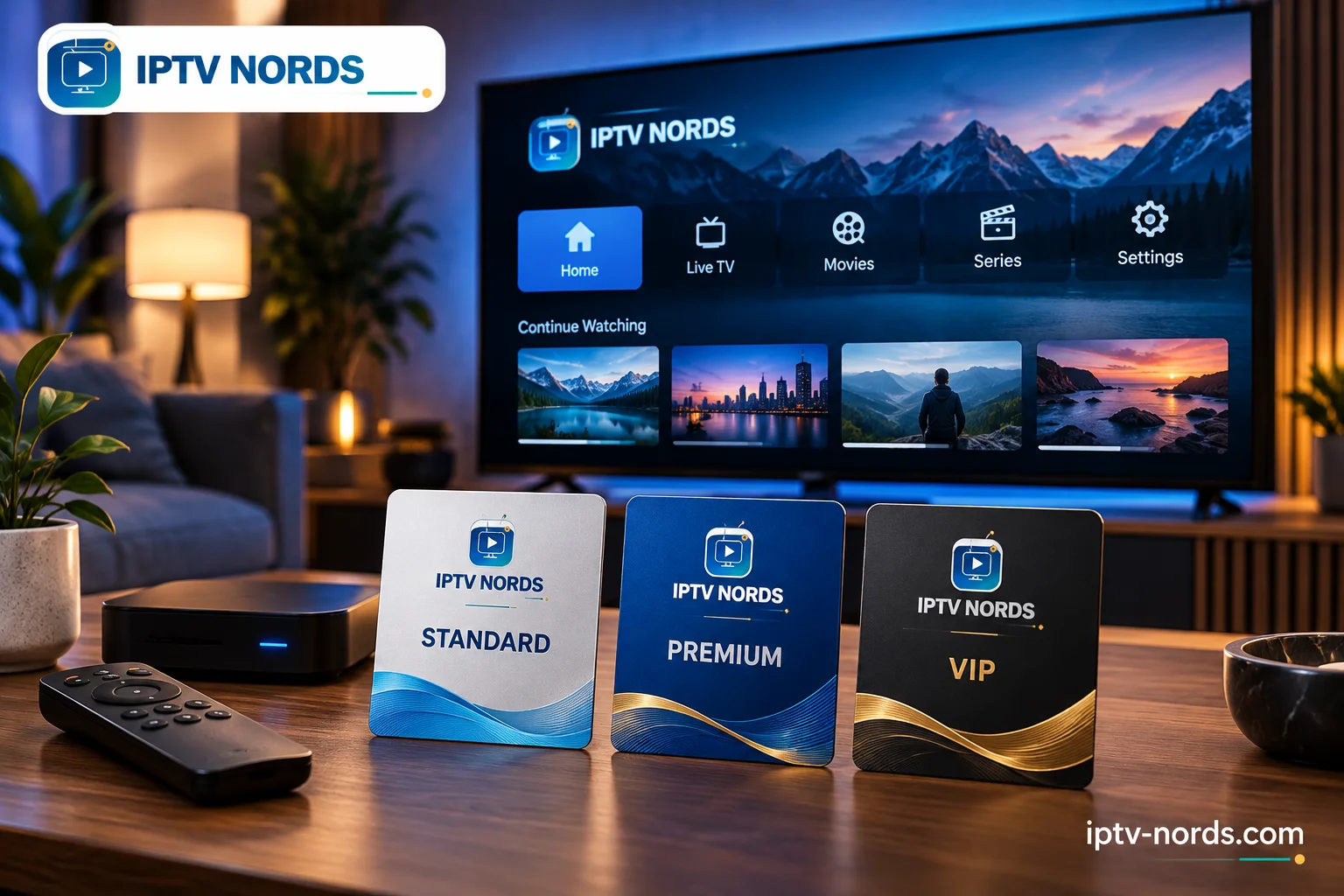
When to consider Standard
Standard is a sensible starting point for a buyer who has a clear list of viewing priorities and wants to keep the initial cost modest. Ask whether those priorities are available in the current Standard selection. If they are, paying for a larger tier may offer little additional benefit for your routine. A focused choice can make the subscription easier to evaluate and easier to budget for.
When to consider Premium
Premium is worth comparing when you want more variety than the entry tier offers. At the checked one-month prices, it costs €2 more than Standard. The useful question is what that difference adds for your household. Ask about your favourite categories and languages, then compare the answers with Standard. A small difference in price can be worthwhile when it delivers content you expect to use frequently.
When to consider VIP
VIP is positioned for customers interested in the broadest advertised catalogue. At the checked one-month prices, it costs €3 more than Premium. Consider it when you enjoy exploring a wider range of programmes, but still verify the particular titles or channels that influence your decision. Catalogue size alone does not confirm the availability of a specific programme or its language options.
Open the current package comparison and ask which tier includes your must-have viewing. Select the term only after the content and device match are clear.
Choosing an IPTV subscription for movies and series
For a film-focused household, the most useful comparison is how well the available selection matches your taste. You may prefer action, family animation, documentaries, comedy or international cinema. Make a short list of genres and several representative titles, then ask about their current availability in the tier you are considering.
Language deserves equal attention. A title may be available while the preferred audio track or subtitles are not. If you regularly watch in English, French, German, Arabic or a Nordic language, include that preference in your request. This is particularly useful when different household members have different language needs.
For series, ask about the season you want
A series title in a catalogue does not necessarily mean every season or episode is available. If you are choosing a subscription because of a particular show, ask about the season you intend to watch and its language options. This gives you a more useful answer than comparing the total number of series displayed on a sales page.
Also consider the playback experience. Features such as favourites, resume playback and episode organisation may depend on the player you use. If one of those functions is important, ask about it for your proposed application. Keep the content subscription and the player’s features separate when comparing what your purchase will provide.
Choosing for live TV and sports
If live television is your main reason for subscribing, create a short priority list before comparing packages. Include the news, entertainment or sports programming you watch regularly, along with your preferred commentary language. Send that list to support and ask which current tier is relevant to your location.
For sports, be specific about the competition or event rather than asking only whether sports channels are included. Availability can vary with the event, broadcaster, location and package. A general sports category on a page is not a promise that every match will be available. Confirm the event that matters to you before making it the reason for your purchase.
Picture format is another practical question. The pricing page advertises SD, HD, FHD and 4K formats, but this does not mean every live programme is offered in 4K. Ask about the actual source quality for your priority viewing. A 4K television can display lower-resolution content, yet the screen’s capabilities cannot create detail that the source does not contain.

One main screen or several devices?
The published IPTV Nords plans each include one simultaneous connection. This detail matters when you are shopping for a family home. Compatibility with a TV, phone or tablet does not automatically mean those devices can all stream at the same time under one subscription.
If your household watches together on one television, one simultaneous connection may fit the routine well. If one person wants a film in the living room while someone else watches a programme in another room, ask about the arrangements and pricing for additional viewing before ordering. Do not assume the VIP tier includes more simultaneous screens: the displayed connection count is one for all three tiers.
Likewise, switching between devices and using devices simultaneously are different questions. If you expect to move between your television and a mobile device, ask how that is handled under the current service terms. Confirm any device or location restrictions so that your chosen package matches how you intend to use it.
Understand the total cost of your setup
Your total entertainment cost may include more than the subscription. A separately licensed player application, an optional streaming device or an accessory can affect the budget. Check which items you already own and which, if any, you need. Do not purchase extra hardware simply because another household uses it; your own television may support an appropriate setup.
A simple budget has three parts: the selected subscription total, any separate application charge, and any optional equipment cost. Asking for those items separately makes comparison easier. It also helps you judge a longer subscription term on the complete cost of getting started.
Choose for your language and country of use
IPTV Nords has a Nordic identity, and its website provides information for viewers interested in Sweden, Norway, Denmark, Finland and Iceland. For buyers elsewhere in Europe or in Arabic-speaking markets, the same principle applies: confirm the current offering for your actual country of use and the languages you need.
If you live in Germany or France and want a mix of local and international programming, describe that combination clearly. If you are enquiring from a Gulf country, specify the country, device and preferred Arabic or international content. International catalogue wording should not be treated as a guarantee that every programme is available in every territory.
Choose content that is authorised for your location and review the provider’s current availability and service terms. A useful enquiry is precise: “I use this TV model in this country and want these languages and categories.” That gives support enough information to recommend an appropriate package without relying on a broad assumption about worldwide access.
Which subscription length suits your household?
The pricing page offers one, three, six and twelve months. Choose a term according to how confident you are about the device, content and ongoing need. A shorter term can suit a new setup or a temporary viewing requirement. A longer term may be convenient when the service already fits your routine and you prefer fewer renewal decisions.
Compare the total shown after selecting each duration. Do not multiply the one-month price and assume that is the longer-term price, and do not assume a discount unless the current offer shows one. If you want to compare effective monthly cost, divide the displayed term total by the number of months included.
Before paying, clarify when the subscription period starts, how renewal is handled and which terms apply if your circumstances change. These questions help you choose a duration deliberately. The right term is one you can budget for and use, with the conditions understood at the time of purchase.
Build your IPTV Nords order in five steps
- Identify the main device. Write down the exact TV or streaming-device model and your country of use.
- List your viewing priorities. Include the channels, genres, series, sports interests and languages that matter most.
- Compare the three tiers. Check which current package fits those priorities and verify the one-connection allowance against your household routine.
- Select the duration. Review the total for one, three, six or twelve months, plus any separate app or equipment costs.
- Confirm and order. Use the official pricing or contact page, keep the order confirmation and follow the appropriate setup instructions.
For a quick enquiry, you can use this wording: “I would like an IPTV Nords subscription for [TV model] in [country]. My preferred content and languages are [details]. I need [number] simultaneous streams and am considering [duration]. Which package fits, what is the total price and is there a separate player cost?”
View the current packages or contact IPTV Nords with your device and preferences. For installation guidance after your choice, use the Setup Guide.
Frequently asked questions about IPTV for Smart TV
Which IPTV Nords package should I buy for my Smart TV?
Choose the tier that includes your preferred viewing and works with your confirmed device setup. Standard is positioned as essential viewing, Premium as broader choice and VIP as the fullest advertised selection. Compare specific content rather than choosing only by the tier name.
How much does an IPTV Nords subscription cost?
The published one-month prices checked on 13 October 2026 were €16 for Standard, €18 for Premium and €21 for VIP. Different durations have their own displayed totals. Check the current pricing page before ordering.
Can I use the subscription on two televisions at once?
The published plans each include one simultaneous connection. If you need two televisions playing at the same time, ask about additional connection arrangements before buying. A higher tier does not, by itself, change the displayed connection allowance.
Will IPTV work directly on my television?
That depends on your exact model, operating system and available compatible player. Share the model details with support and consult the devices page. If a direct application is unsuitable, ask whether a compatible external device is an option for your setup.
Does a 4K subscription mean every programme is 4K?
No. The available resolution depends on the source programme and your playback setup. Confirm the format of the channels or titles that matter to you instead of assuming that all content uses the highest advertised resolution.
Are player application fees included?
Check this before ordering. A content subscription and a third-party player’s licence can be separate purchases. Ask which player is proposed for your device and whether it has an additional charge.
Can I choose a package for Arabic or European-language viewing?
Send your country and preferred languages to IPTV Nords and ask about the current selection. Confirm specific channels, audio tracks or subtitles when they are important to your decision; an international catalogue does not guarantee every language option for every title.
Where should I place my order?
Start at the official IPTV Nords pricing page. If you need help choosing, use the site’s contact page and provide your device, location, viewing priorities and preferred duration.
Make your main screen work for your evenings
A well-chosen IPTV subscription begins with a few clear decisions: what you want to watch, which screen you will use, how many streams you need and how long you want the service. Once those points are settled, comparing Standard, Premium and VIP becomes straightforward.
Use IPTV Nords’ published packages as your starting point, confirm the details relevant to your household and select a term that suits your budget. Whether your priority is live television, films, series or a mix of languages, the best purchase is the one that matches your real viewing routine.
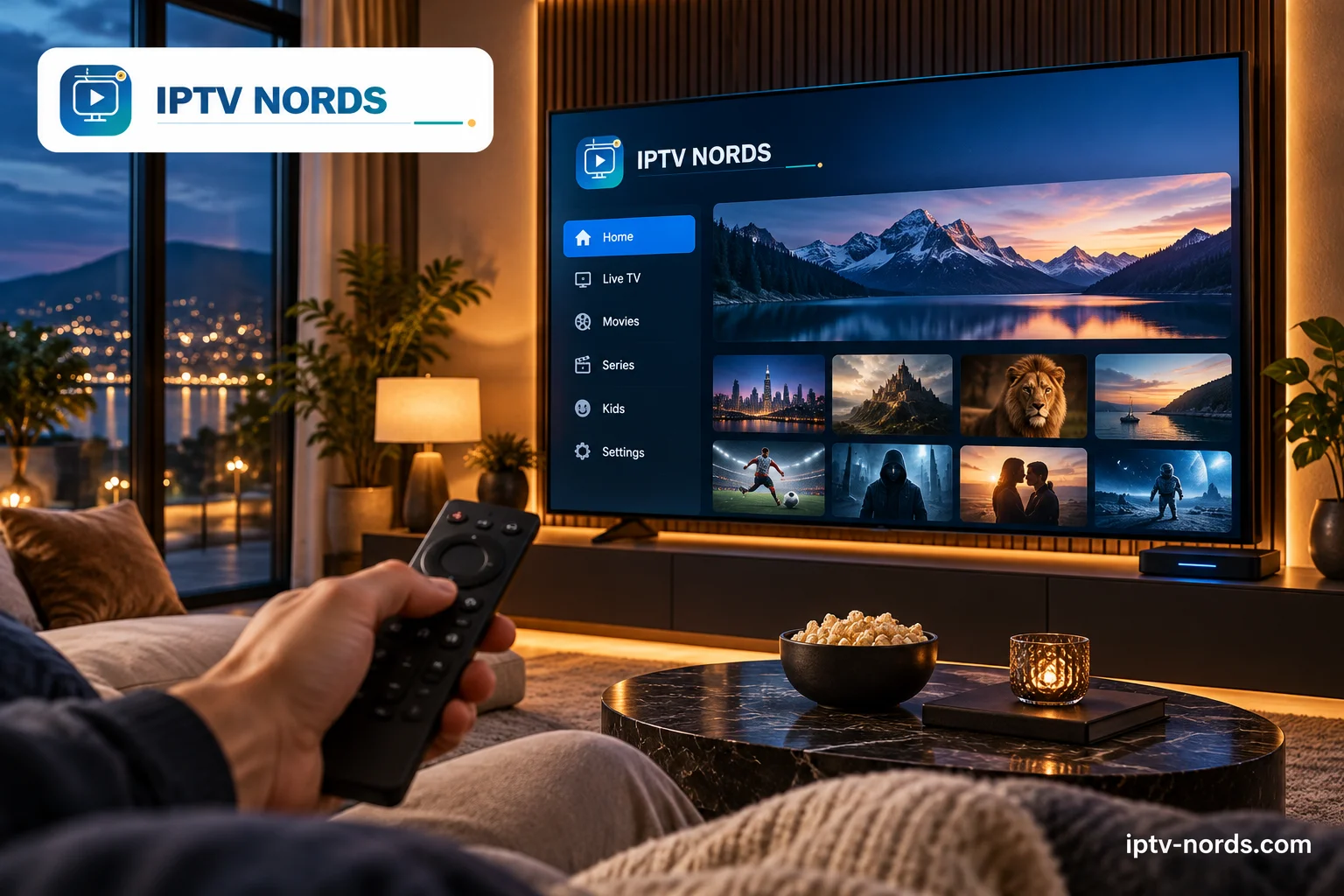
Compare Standard, Premium and VIP now, or ask for help matching a plan to your Smart TV.
Use the pages below to keep the package, device and setup decision connected.