
A clearer way to compare
Standard, Premium and VIP are presented with selectable terms and a total price for the chosen duration. Review the features that matter to your household and confirm your must-watch content before placing an order.
About IPTV Nords
Live television, a film together or the next episode: a good viewing setup starts with clear information. IPTV Nords brings package comparison and practical device guidance together for Sweden, Norway, Denmark, Finland and Iceland.
Our focus
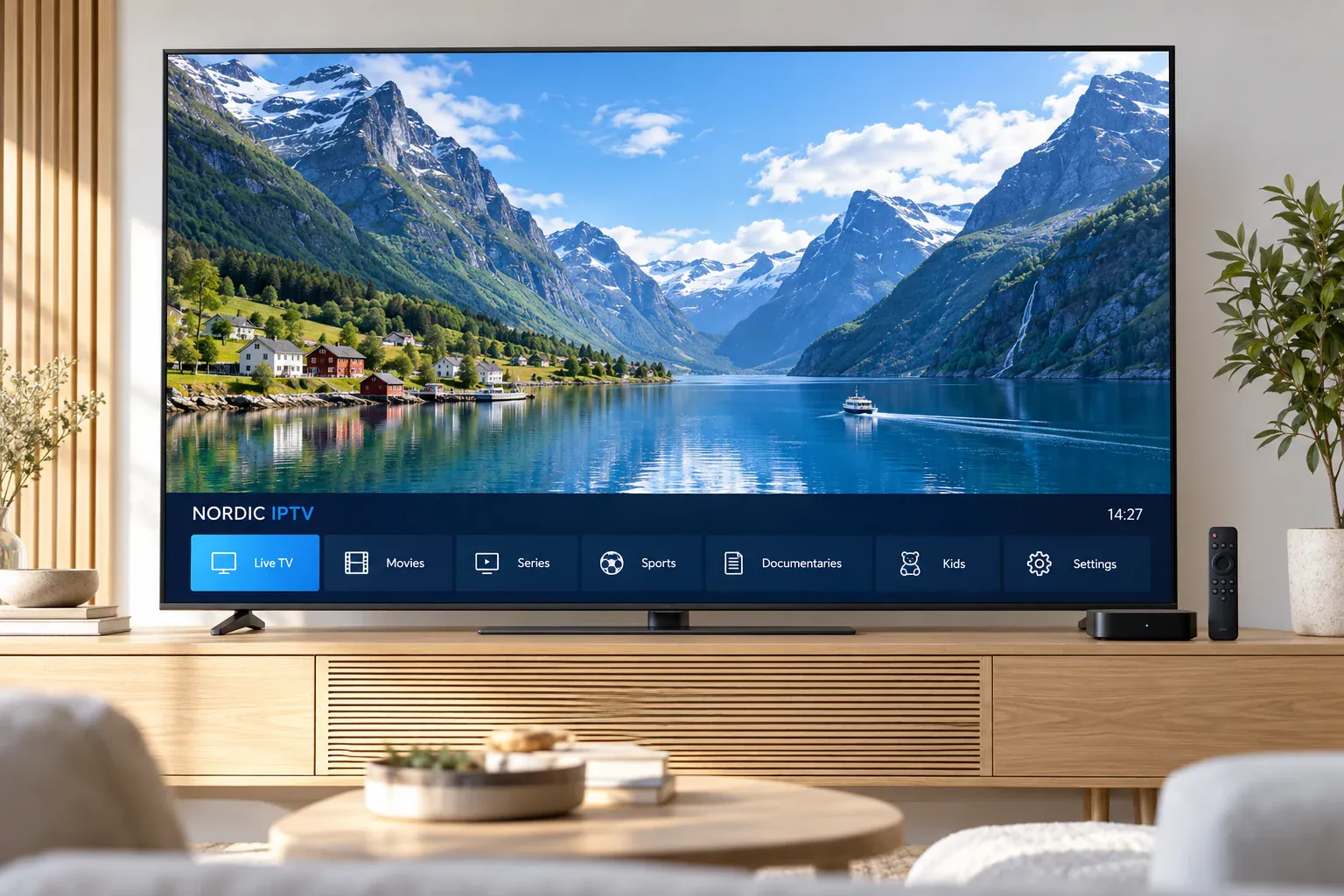
Nordic households do not all watch in the same way. Some follow local news and live sport; others prefer films, documentaries or series in their original language. We help you frame the right questions about the current selection, subtitles, player compatibility and subscription term before you choose.
Standard, Premium and VIP are presented with selectable terms and a total price for the chosen duration. Review the features that matter to your household and confirm your must-watch content before placing an order.
Start with the device you already own. Our setup guide explains the role of the player app, connection details, programme guide and home network so you can prepare one step at a time.
Swedish, Norwegian, Danish, Finnish and Icelandic households have different language and viewing priorities. Share your country and preferred audio or subtitles so the relevant availability can be checked.
Picture quality, Replay, subtitles and guide data depend on the stream and player as well as the package. We encourage you to confirm those details instead of assuming every feature is available everywhere.
Across the Nordic region
Use these starting points to prepare your questions. The country guidance is not a guarantee that every local channel or language track is included.
Check the Swedish channels and programme categories your household follows. For international films and series, confirm Swedish subtitles or your preferred original audio on the titles that matter.
Prepare your preferred Norwegian channels and sports competitions, then check the current selection. Test the connection at your viewing location, especially when using a different home or network.
Start with your regular Danish viewing and main television. Confirm subtitle preferences, app compatibility and the programme-guide settings that make daily browsing easier.
Tell us whether Finnish, Swedish or other audio and subtitle options are important. Check these choices for individual programmes and set the player clock to your actual location.
Confirm the Icelandic content and international programmes you want to follow. Check player support and local guide times before planning live viewing.
Before you choose
Have your country, device model, preferred player and must-watch choices ready. Compare the displayed term and connection allowance, and ask about availability, activation and any separate app fee. Our Contact page is the next step when you need those details confirmed.