

An IPTV subscription should make your daily viewing easier: the programmes you want, on a screen you already use, with a price and subscription term you understand. Choosing one becomes more straightforward when you compare the full setup rather than a headline channel count.
This guide explains how to compare IPTV subscription plans, decide between a short and a longer term, check device and player costs, prepare for activation and manage renewal. It is written for households in Sweden, Norway, Denmark, Finland and Iceland, while the buying checklist is useful wherever you watch.
If you already know your preferred package, visit the IPTV Nords pricing page to check the current options. If you are still deciding, start with your main screen, the content you actually use and the number of people who want to watch at the same time.

The six images in this article are AI-created illustrations. Their interfaces and scenes are illustrative and do not show the IPTV Nords app, actual account screens or included programmes.
How do you choose an IPTV subscription?
Choose an IPTV subscription by confirming the content available in your location, the player supported by your exact device, the allowed simultaneous streams and the total cost for the selected term. Then review activation, renewal and service conditions before ordering. A higher package tier or a longer term is useful only when it matches a verified need.
IPTV Nords currently displays Standard, Premium and VIP packages with one, three, six and twelve-month terms. The displayed packages include one simultaneous connection. Use the live package and checkout pages for the final total and current details; this guide does not replace the order conditions.
What is an IPTV subscription?
IPTV means Internet Protocol Television. An IPTV subscription provides access to a television service delivered over an internet connection for an agreed period. Depending on the service and package, access may cover live channels, on-demand films, series or a combination of these. The precise selection and availability belong to the particular offer you choose.
The subscription is one part of a viewing setup. You also need a compatible device, a supported player or application and a connection capable of receiving the video consistently. Your television may already provide the hardware you need, but an app licence or external streaming device can sometimes be a separate expense.
The service and the player are separate purchases
A player handles functions such as opening a playlist, displaying categories, navigating a programme guide and controlling subtitles. A content subscription determines which streams your account can access. Buying a paid player does not necessarily buy television access, and buying a content subscription does not automatically pay for a third-party player.
Before ordering either, ask which access method the provider supports and which player is suitable for your device. This helps prevent paying for an application that cannot use your account details or does not work comfortably with your remote.
Availability is more useful than a catalogue total
Large catalogue figures can help describe the scope of a package, but they do not tell you whether your favourite programme is available. They also do not establish the language, picture quality, completeness of a series or permission to distribute particular content. Ask about the specific channels and titles that make the subscription valuable to you.
Review provider identity and applicable terms, and choose authorised access. Internet delivery and app-store availability do not themselves verify a service’s content rights. If a programme is essential, make its availability in your viewing location part of your pre-order enquiry.
Build a viewing list before comparing plans
Write down five to ten things you regularly watch. Include the live channels you open most often, the kinds of films you enjoy, the series you follow and any upcoming sports events that matter. A small, concrete list gives support a useful question to answer and gives you a consistent basis for comparing packages.
Separate essential items from occasional interests. If your main requirement is a few local-language channels and weekend movies, a larger catalogue may add little practical value. If several people have different language preferences, those individual requirements should be checked before choosing a package based on its name.
For Nordic homes, check audio and subtitles separately
A household in Sweden may need Swedish subtitles for international films; a home in Finland may need Finnish and Swedish options. Norwegian, Danish and Icelandic viewers can have similarly specific requirements. Ask about the language tracks on representative titles rather than treating the word “Nordic” as confirmation of every language.
A live channel’s language, a film’s audio track and an episode’s subtitles are different details. Test examples from the categories you use. If the player supports preferred-language settings, see whether the preference is applied consistently or needs adjustment on individual programmes.
For a wider country-by-country discussion, read our Nordic IPTV guide for Sweden, Norway, Denmark, Finland and Iceland. This article focuses on the subscription decision and the steps that follow it.
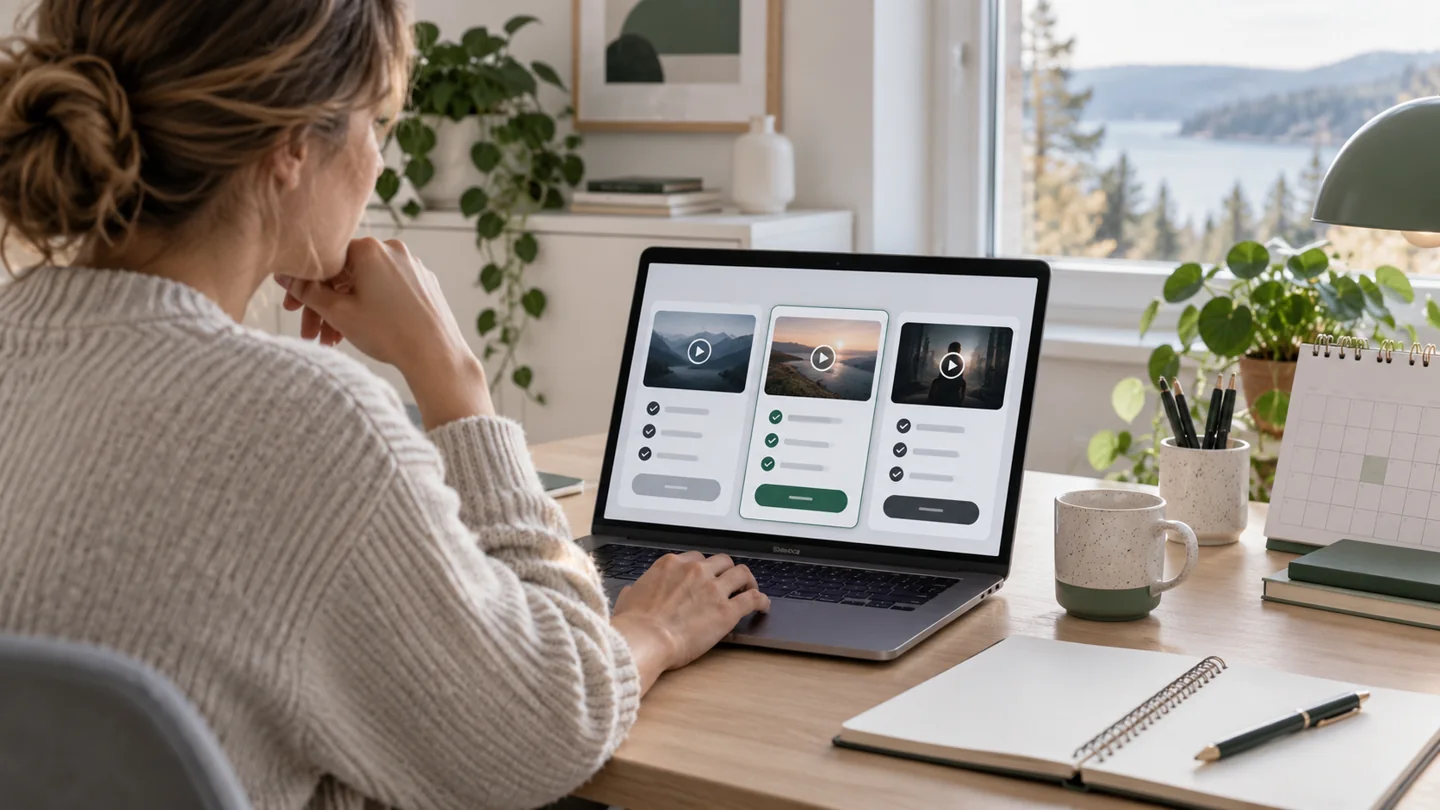
Compare IPTV Nords Standard, Premium and VIP
IPTV Nords presents three package collections. The displayed catalogue highlights differ, while each currently describes one simultaneous connection. Package names help organise the offer, but your choice should follow the verified content and requirements of your home.
| Collection | Displayed positioning | Terms to compare | Displayed connection allowance |
|---|---|---|---|
| IPTV Standard | Essential viewing for one main screen | 1, 3, 6 or 12 months | 1 simultaneous connection |
| IPTV Premium | A wider displayed catalogue selection | 1, 3, 6 or 12 months | 1 simultaneous connection |
| IPTV VIP | The fullest displayed catalogue selection | 1, 3, 6 or 12 months | 1 simultaneous connection |
These descriptions reflect the public pricing page checked on 7 October 2026. Confirm the live offer before purchase. Prices and catalogue details can change, so the current IPTV subscription plans remain the reference for your comparison.
Ask what the upgrade changes for you
When considering Premium or VIP, identify the specific benefit you expect. Is there a confirmed channel, language option or title that you need? Does the upgrade include that item in your location? A larger selection can be worthwhile when it adds programmes you actually watch, but the name alone does not establish those benefits.
Do not assume that upgrading adds simultaneous screens. Device compatibility and connection allowance are separate. If two people want to watch different programmes at the same time, request confirmation of a suitable arrangement before ordering.
One month, three months, six months or twelve months?
The best subscription duration depends on how much you already know about the setup. A first purchase involves uncertainty about the player, everyday navigation, content and network performance. A renewal on a setup you have used consistently is a different decision.
A one-month subscription for a first setup
A short term can make sense when you are trying a device or service for the first time. It gives you a defined period to assess ordinary viewing without immediately committing to a longer purchase. Compare the total and confirm when access begins, especially if you will not be ready to install the player immediately.
Use the period deliberately. Watch on your normal screen, at your usual time and with the people who will use the account. One successful channel on a phone does not establish whether your main television and preferred programmes meet your needs.
Three or six months for an established routine
A medium term may suit someone who has checked the setup and expects to use it over the coming months. Before extending the commitment, review whether your requirements will change: a move, a different television or another person wanting independent playback can affect the account arrangement you need.
Do not choose a term solely because it aligns with a competition or season unless the relevant coverage has been confirmed. A subscription lasting three months is not a promise that every event during that period is included.
Twelve months when you understand the commitment
A longer term can reduce the frequency of renewal and may offer a lower average monthly cost, depending on the current prices. Calculate the actual difference rather than assuming that twelve months is always the cheapest option. Check payment timing, renewal conditions and what happens if your device or viewing needs change.
A displayed average monthly amount is a comparison tool, not proof of monthly instalments. Where the price is the total for the term, confirm whether that full amount is payable before activation.
Calculate the complete IPTV subscription cost
Compare the subscription total together with any player licence and hardware you actually need. If your existing television and supported app are sufficient, avoid assuming that an additional device is required. If an external box is necessary, include that expense before deciding which package fits your budget.
For a hypothetical example, a three-month service costing €45 plus a separate €6 player fee costs €51 for that initial period. Dividing €51 by three gives an average of €17 per month. These invented figures illustrate the calculation; they are not IPTV Nords prices.
When comparing renewals, distinguish one-off costs from recurring ones. A device bought for the first setup may not be purchased again, while an app licence may have its own renewal cycle. Check the chosen player’s terms instead of assuming that its payment schedule matches your television subscription.
Record the purchase details in one place
Keep the package name, duration, total, connection allowance, any app charge and agreed activation timing together. Save the provider’s confirmation and payment reference privately. Clear records make it easier to resolve a mistaken duration or identify whether a later expiry belongs to the player or the content account.
If checkout information differs from a previous message, clarify the difference before paying. A changed duration selection, another package or an additional app fee can explain a different amount. The useful response is to compare the exact order details rather than relying on a price remembered from an earlier visit.
Check the device, app and connection allowance
Start with the exact television or streaming-device model, operating system and region. Broad support for “Smart TV” is a starting point; it does not confirm every model or app store. Visit the IPTV Nords device guide and ask about your specific hardware when needed.
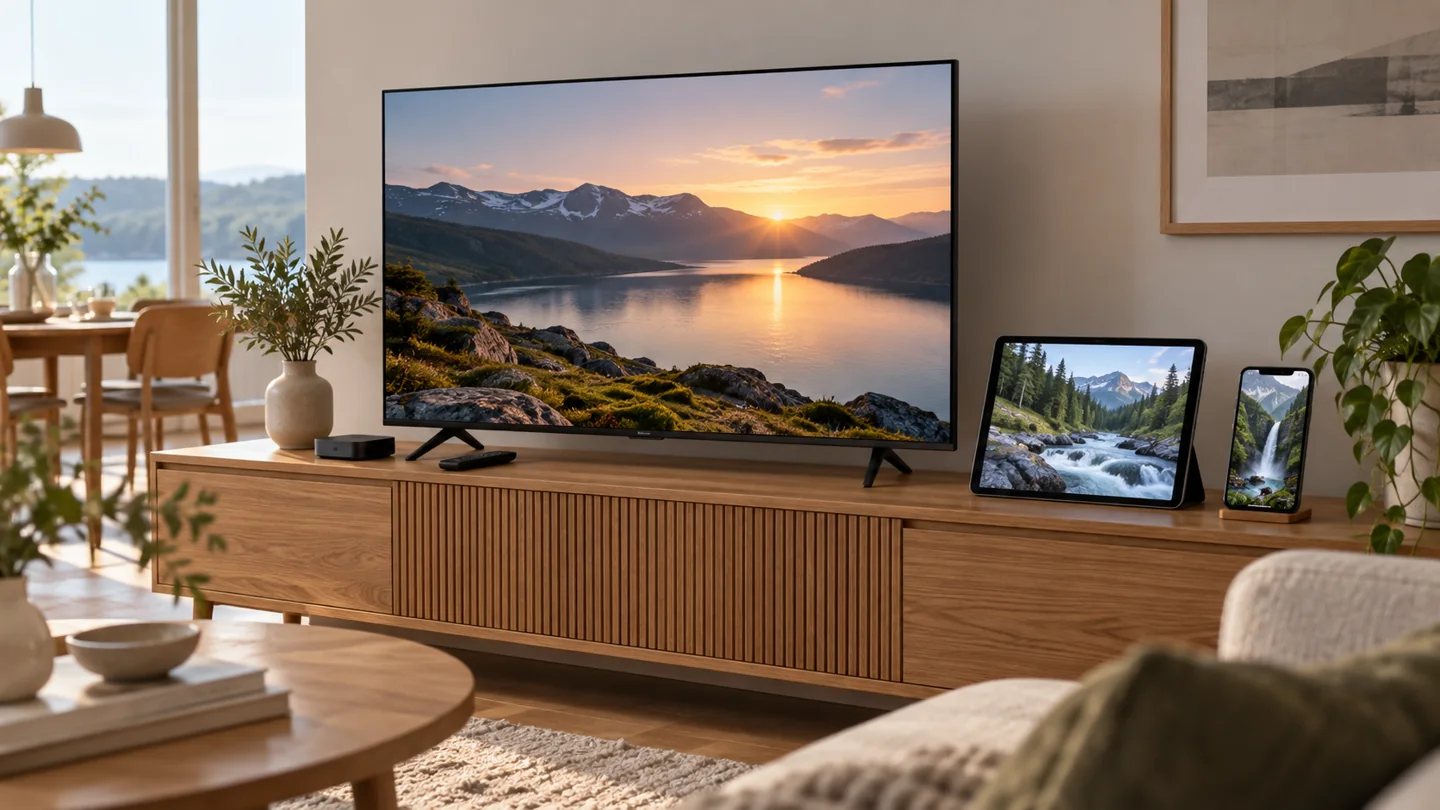
Make remote control navigation part of the decision
The app should work comfortably from the sofa. Check whether you can reach favourites, open the programme guide, search for a title and change subtitles with the remote. A player that opens successfully can still be inconvenient if it relies on controls designed for a touchscreen.
App availability and features can change. Verify current support through the developer’s official information and your device’s store. Use official distribution sources and avoid entering account details into unfamiliar applications.
One connection means one active stream
If a plan permits one simultaneous connection, do not start independent playback on a television and tablet at the same time without an approved arrangement. Support for multiple types of devices describes where the account may work; it does not add playback sessions to the subscription.
When moving between screens, end playback on the first device and follow the provider’s guidance before starting the second. If your household regularly needs two programmes at once, clarify the available account options rather than finding out during an evening when both screens are in use.
From choosing a plan to activating access
Activation is easier when the order details and main device are ready. Before submitting an order, confirm your country, selected package, duration, total and connection allowance. If you need a specific channel checked or an app identified, resolve that question first.
- Select the package and term. Review both on the pricing page and again during checkout.
- Provide the requested order information. Use an email address you can access and check its spelling.
- Confirm the order with support where required. Keep the agreed details together and ask about activation timing.
- Prepare the supported player. Check its source, device compatibility and any separate licence.
- Enter the supplied access details privately. Use the specified login method and the correct fields.
- Allow the initial catalogue to load. Follow the player’s normal loading process before testing content.
- Check representative programmes. Test live television, a movie and a series episode where included.
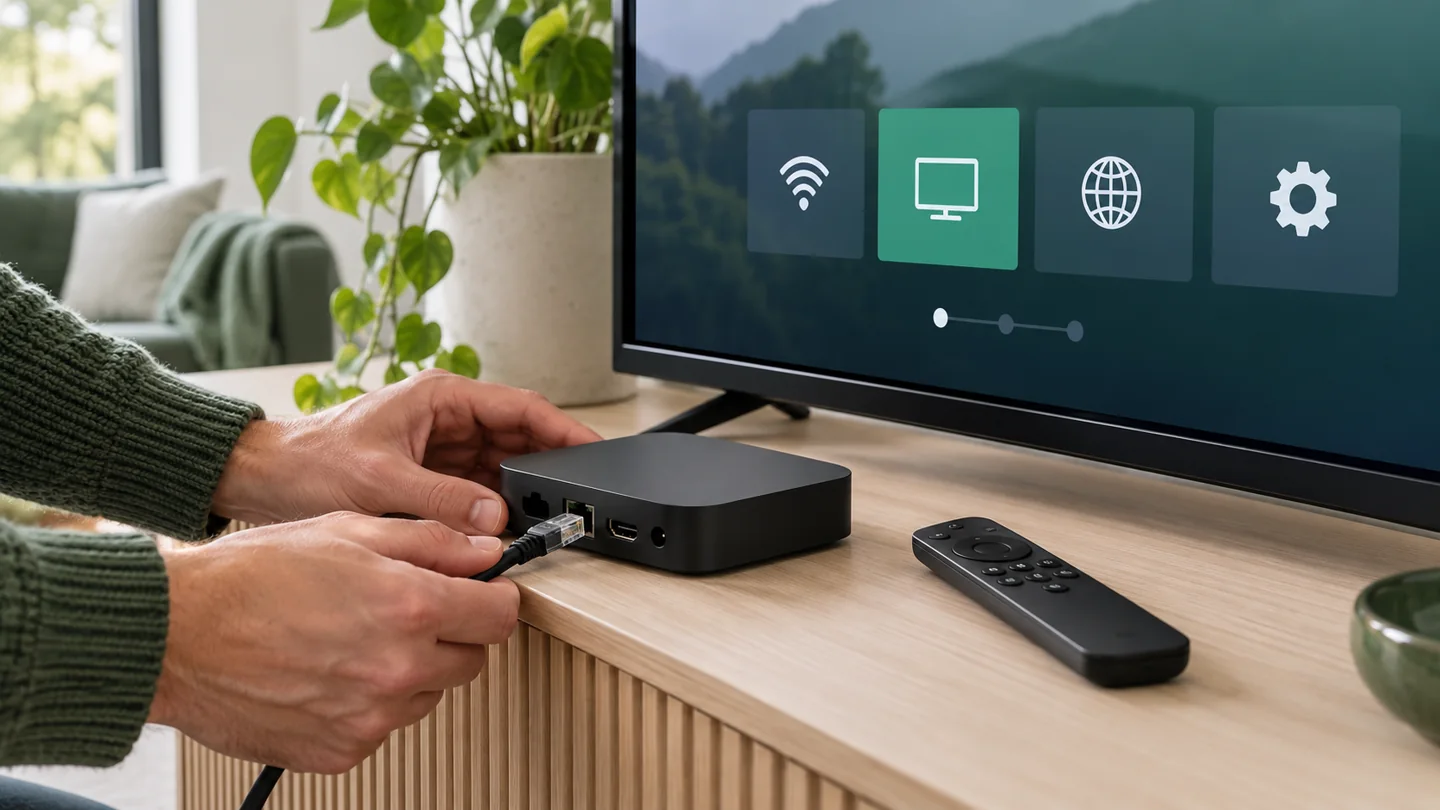
Confirm when the subscription clock starts
Ask whether the term begins at payment, account creation, activation or another stated point. This matters when ordering before a trip or when waiting for a television to arrive. A delayed first viewing session should not be assumed to delay expiry.
Ask how access will be delivered and which contact route to use if it does not arrive within the confirmed timeframe. Check the appropriate email folders, but do not repeatedly place another order to solve an unclear status. Send the existing order reference privately to support.
Keep login details out of screenshots
Access details may contain a username, password or a URL carrying account information. Treat the full access string as private. When asking about a setup error, send the app name, device model and non-sensitive error text; remove credentials from screenshots.
For a practical walkthrough, open the IPTV Nords setup guide. Follow the access method actually supplied with your account rather than assuming that every player uses the same fields.
Test the experience before extending the term
A useful test resembles your normal viewing. Use the main television in the evening, open the programmes on your shortlist and try the controls your household needs. Judge whether the setup is comfortable and reliable for that routine.
If a trial is offered, confirm its availability, duration, start time and included access. A trial can help evaluate the setup during that window, but it does not guarantee future content availability or performance in every network condition. Keep the test focused on the questions you need answered.
Use a repeatable viewing checklist
- Open a familiar live channel and check sound, picture and channel changes.
- Find a film you want and inspect its available audio and subtitle tracks.
- Check the season and episode selection for a series you follow.
- Use the guide and compare its clock with the device’s local time.
- Close and reopen the app using its normal controls.
- Save a short favourites list if supported.
- Test at a time when the household normally uses the internet.
Record specific issues. “The app closes when opening this episode on this device” is more useful than “IPTV does not work.” If playback succeeds but the desired subtitle track is missing, that is a content-language question rather than evidence of a network failure.
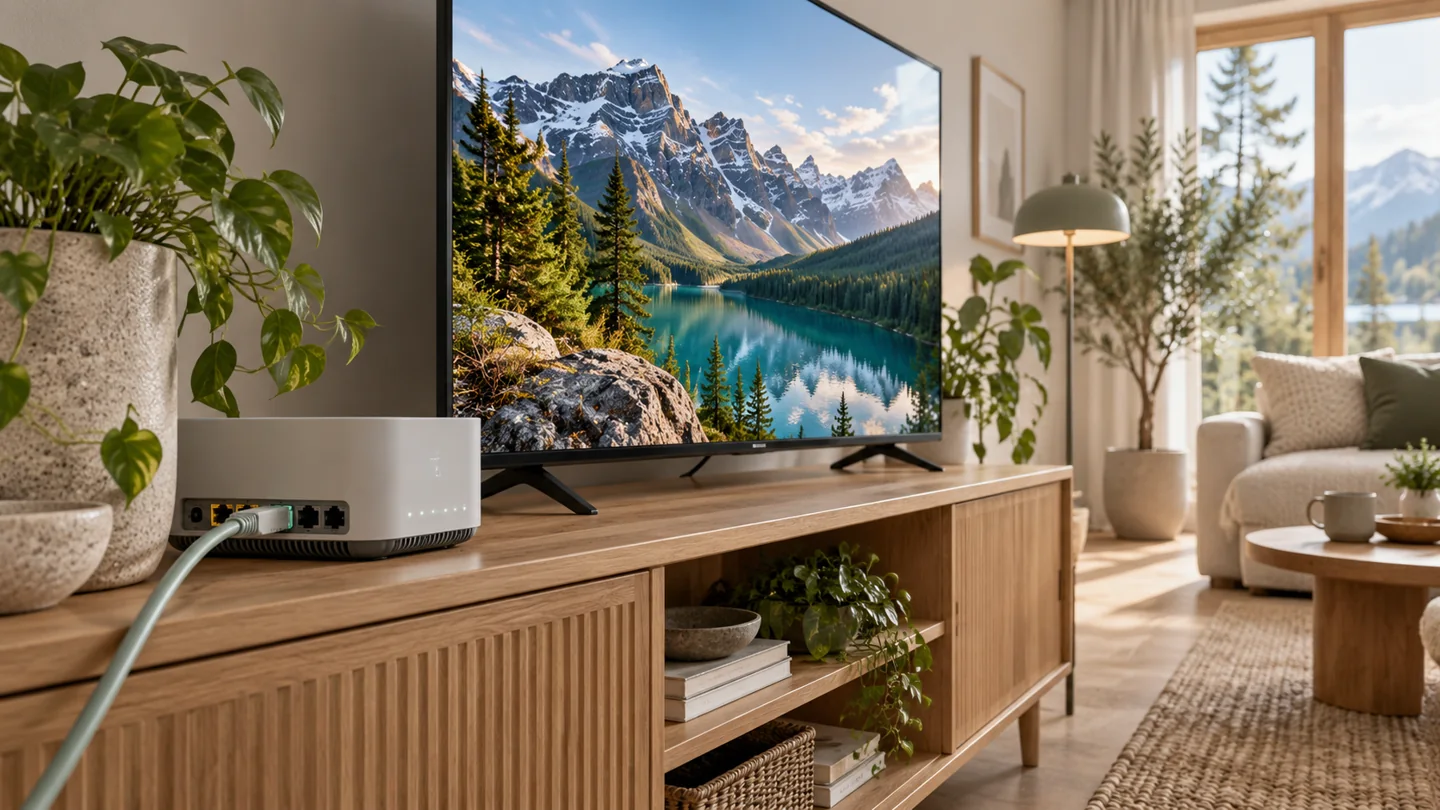
Check stability as well as picture quality
Your broadband package’s headline speed does not describe every room’s Wi-Fi reception. Test at the viewing device, and compare a wired connection where practical if wireless playback is inconsistent. Large downloads, backups and other simultaneous use can also change the conditions.
The required speed depends on the stream’s bitrate and format. As a separate-platform reference, YouTube’s system requirements list approximately 5 Mbps of sustained speed for 1080p and 20 Mbps for 4K UHD. These are YouTube figures, not IPTV Nords requirements. Ask about the intended stream and allow capacity for other household use.
“Up to 4K” should not be interpreted as every programme being 4K. The individual source, player, hardware and connection must support the format. Evaluate a confirmed example, and prioritise consistent playback on the screen you use daily.
Manage subscription renewal and expiry
Once the setup works, renewal should start with the current account details. Record the expiry date and review your viewing needs before extending access. If the app shows an expiry, check whether it refers to the player’s licence or the television service; the two can have separate dates.
Set a private reminder ahead of the confirmed expiry so you have time to ask about the available renewal process. Do not assume automatic renewal, an unchanged price or instant extension unless those conditions have been stated for your account.
Ask whether renewal extends the existing account
Confirm whether renewal adds time to the current expiry or creates a different account or start date. Ask whether your login stays the same and whether any player changes are needed. Keeping these answers together avoids reconfiguring an app unnecessarily or accidentally using obsolete access details.
If you want to change package or duration, ask how the change is handled before submitting payment. Do not assume that unused time transfers automatically. Review the confirmed arrangement for your account.
Review what you actually watched
Before renewing for a longer term, check whether the subscription delivered the programmes and usability you needed. Consider whether the main screen changed, another household member now needs a simultaneous stream or your language preferences are different.
Renewal is also a useful time to check the current total and any separate player charges. A successful previous term gives you evidence about your own setup, but it does not make every new package or location automatically suitable.
What to do if activation or playback fails
Start by identifying the stage that failed. An order awaiting confirmation, a rejected app login and a single unavailable channel are different situations. Use the order reference for activation questions and the device, player and exact error for technical questions.
If the app rejects access, verify the account status with support and check that you used the supplied login method. Extra spaces or a URL entered in the wrong field can cause problems. Stop playback elsewhere if your plan allows only one active connection, then follow support’s instructions.
If one channel fails while others work, record that channel and the approximate time. If all playback is affected, compare content and connection conditions one at a time. Avoid repeated reinstalls or a long sequence of undocumented setting changes; they can remove useful information about the original problem.
Contact IPTV Nords support with a concise description of the affected stage and the checks already completed. Never include full passwords or access URLs in a public comment.
Your checklist before ordering an IPTV subscription
- Viewing location: confirm the country where you will use the service.
- Essential content: check named channels, titles and events.
- Languages: verify audio and subtitles on relevant examples.
- Main device: identify the exact model and operating system.
- Player: confirm support, access method and separate charges.
- Connections: establish the allowed simultaneous playback sessions.
- Term and total: review the duration, full price and payment timing.
- Activation: confirm delivery and the subscription start point.
- Renewal: understand expiry, extension and account continuity.
- Service conditions: review provider information, content availability and applicable terms.
IPTV subscription frequently asked questions
What is included in an IPTV subscription?
It depends on the particular service and package. Access may include live channels, films and series for the agreed term. Confirm the current selection, viewing location, languages and connection allowance before ordering. Player licences and hardware can be separate costs.
Which IPTV subscription duration should I choose first?
A short term can be useful when your device, app or viewing requirements have not yet been tested. A longer term is easier to assess once you know the setup fits your routine. Compare actual totals and conditions rather than choosing on duration alone.
Does Premium or VIP include more simultaneous screens?
Do not infer screen allowance from the tier name. IPTV Nords currently displays one simultaneous connection for Standard, Premium and VIP. If your home needs independent playback on two screens, ask about a suitable account arrangement.
Is the subscription price monthly or the total for the term?
The IPTV Nords pricing page describes the displayed price as the total for the selected term. Check the final duration and amount during checkout. An average monthly cost calculated for comparison is not a promise of monthly billing.
Do I need to buy a new television or box?
Your existing device may be sufficient if it supports a suitable player and the service’s access method. Check the exact model before buying anything. An external streaming device is an option to discuss when the television’s available apps do not meet the requirements.
Can I switch between a television and a phone?
Check the provider’s device and location conditions. Where switching is allowed on a one-connection plan, end the first playback session before starting another. Support for both device types does not grant simultaneous playback on both.
When does my IPTV subscription begin?
Confirm the start point with the provider. Payment, account creation, activation and first viewing can be different events. Do not assume that waiting to open the app delays the expiry date.
Will I keep the same login when renewing?
Ask whether renewal extends the current account and whether access details remain unchanged. The arrangement can differ between offers or account changes. Keep the confirmation before editing a working player setup.
Why does the player show an expiry before my subscription ends?
The date may concern the player licence rather than the content account. Check the app’s licence information and ask the provider to confirm the service expiry. Identify which part needs renewal before purchasing again.
Can I confirm a particular sports event before subscribing?
Yes, ask about the named event, date and viewing country. A general sports category does not establish access to every competition or broadcast. Obtain a specific answer before making that event the reason for your purchase.
Does 4K support mean every channel is 4K?
No. The individual source determines its available quality, and your player, device and connection must support it. Check the content you want rather than relying solely on a package-level quality label.
How can I get help choosing an IPTV Nords plan?
Send your country, main device, essential channels or languages, preferred duration and required simultaneous streams through the contact page. These details let support address your actual requirements without guessing.
Choose a subscription that fits your main screen
A well-chosen IPTV subscription brings together confirmed content, a compatible player, a manageable cost and a clear term. Begin with your everyday viewing list, check the device you already own and keep connection allowance separate from device compatibility. Test the routine before making a longer commitment, then retain the start date and renewal details.
Compare IPTV Nords subscription plans, review the supported devices and prepare with the setup guide. For content confirmation or an account question, contact IPTV Nords before ordering.
Use the pages below to keep the package, device and setup decision connected.