
Watching television in more than one room sounds straightforward: put a screen in each room, open an app and choose a programme. With IPTV, there is one important detail to settle first. The number of devices you own is not necessarily the number of streams your subscription allows at the same time.
An IPTV multi-room setup lets a household organise viewing across compatible televisions, tablets, phones or computers. Whether those screens can play independently depends on the subscription's simultaneous connection allowance, device rules and supported applications. Two televisions connected to the same router do not automatically count as one stream.
This IPTV Nords guide explains how to plan IPTV on two TVs, choose a practical arrangement for different rooms and avoid buying more hardware than you need. It is written for households in Sweden, Norway, Denmark, Finland and Iceland, while the same planning principles apply elsewhere.
Quick answer: To watch different programmes on two TVs at the same time, you normally need two authorised simultaneous streams, a compatible player on each television or connected streaming device, and sufficient home-network capacity. Confirm the exact subscription rules before ordering. Installing the same app twice does not add a second connection.
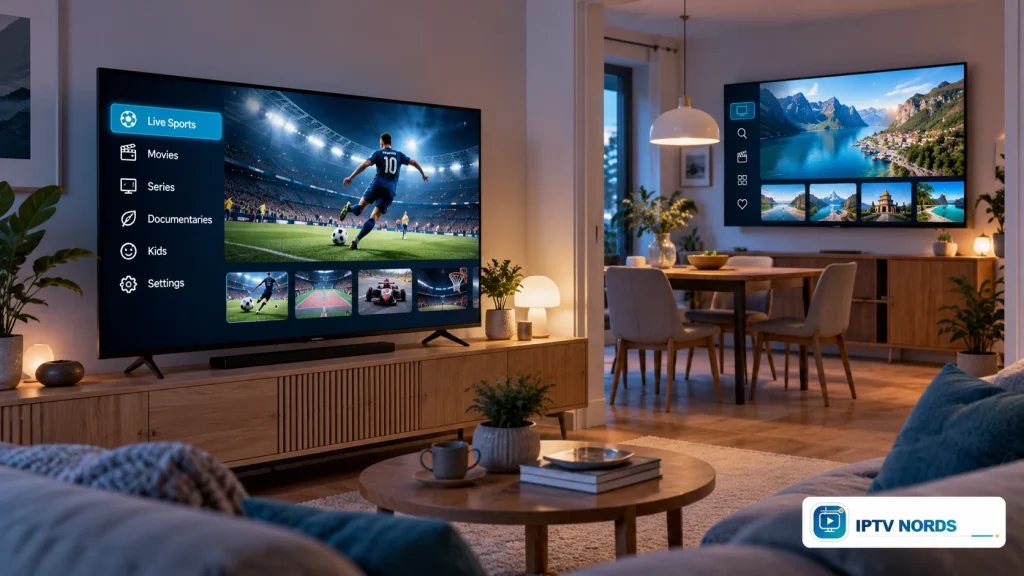
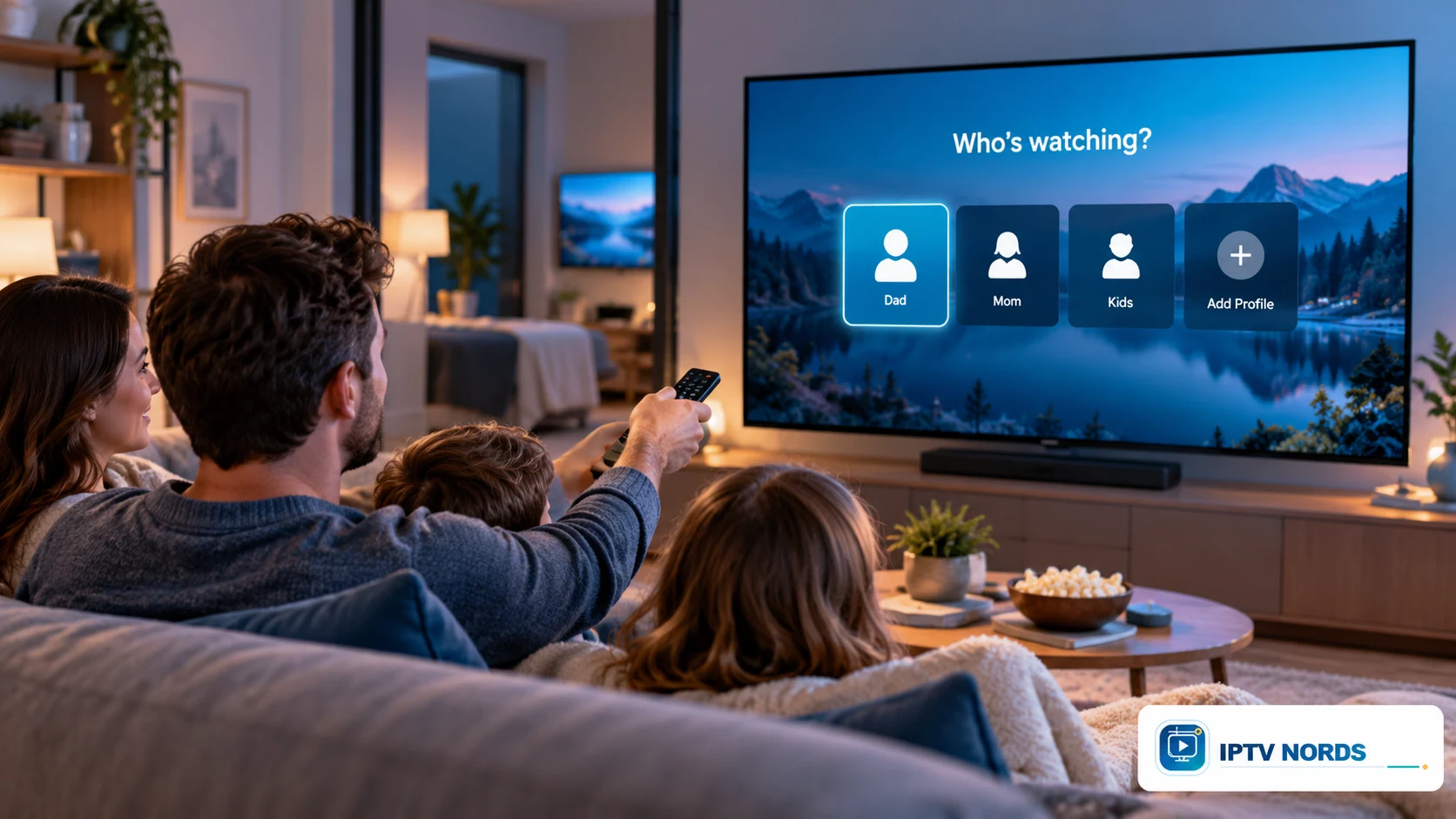
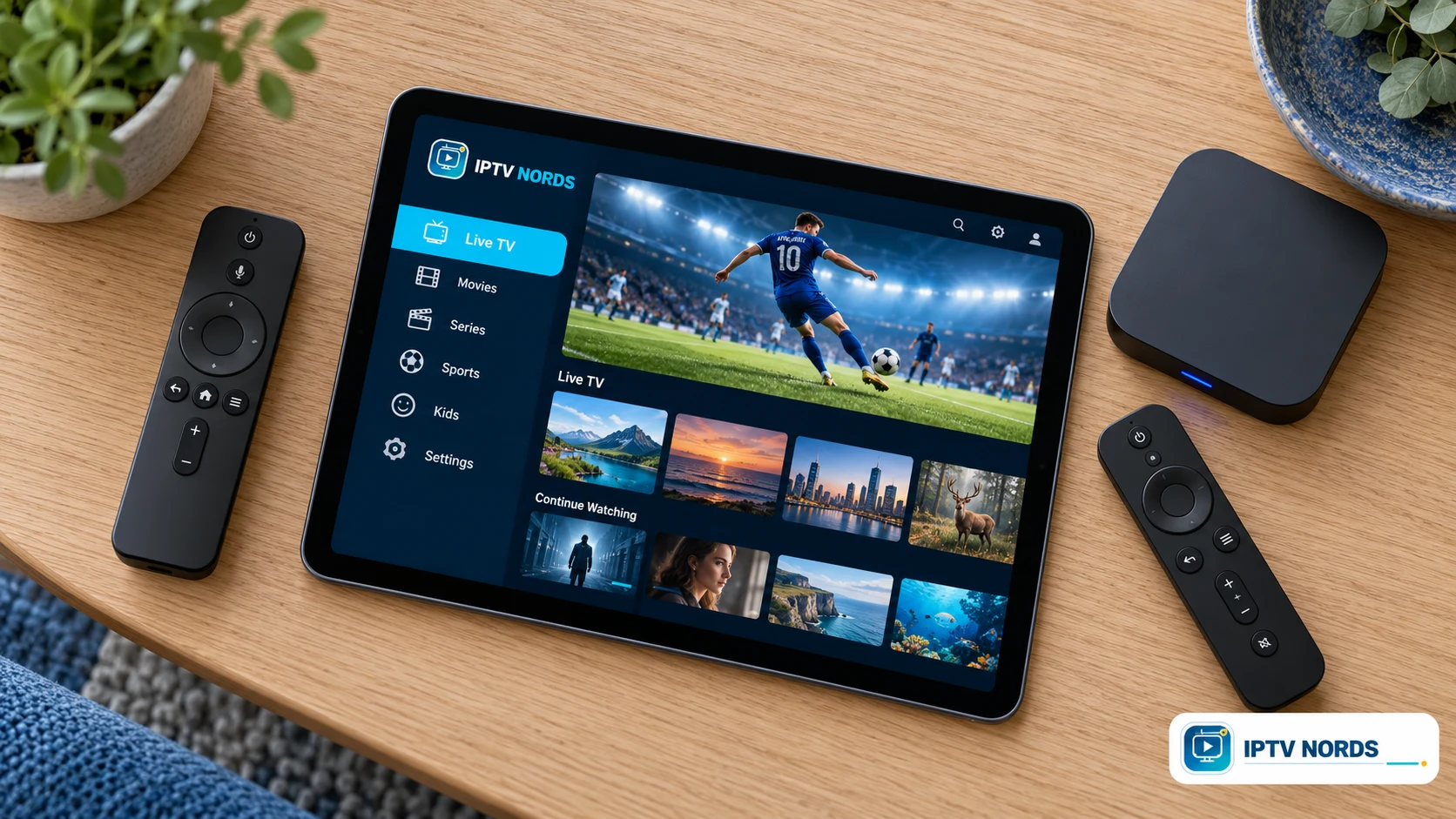
Illustrative IPTV multi-room setup. All images in this guide are original AI-generated editorial illustrations; interfaces and programmes are illustrative, not screenshots or guaranteed service features.
What does IPTV multi-room actually mean?
Multi-room describes where you watch. It can mean moving between a living-room television and a bedroom screen, or having different people watch different programmes simultaneously. Those are different requirements, so a useful conversation about multi-room begins with your household's habits.
If you watch alone and change rooms during the evening, you might need permission to use multiple registered devices but only one active stream at a time. If one person watches a film while another watches live television, the household needs enough authorised concurrent streams for both sessions.
The term itself does not guarantee a specific feature. One provider may use it for an additional connection; another may sell separate accounts for additional rooms. A third may restrict use to one household or network. Ask what the term means in the actual offer rather than assuming all multi-room packages work the same way.
Start with the IPTV Nords devices page to identify the screens you want to use. Then confirm the connection allowance for those screens through IPTV Nords contact.
Devices, connections and profiles: three different things
These terms are often grouped together in advertising, but each answers a separate question.
| Term | What it describes | What to check |
|---|---|---|
| Installed devices | Hardware with an IPTV application installed | Whether the application supports each device |
| Registered devices | Devices associated with an account or licence | Registration limits and replacement rules |
| Simultaneous connections | Streams permitted to play at the same time | The number included in your subscription |
| User profiles | Separate preferences or viewing spaces within an app | Whether profiles exist and what they actually separate |
| Player licence | Permission to use a particular application | Whether payment covers one device or several |
| Household restriction | Where account use is permitted | Same-home, network and location conditions |
For example, a household might own two TVs and two phones but use only one screen at a time. Four installed applications would not necessarily mean it needs four simultaneous connections. Conversely, a single powerful television displaying two independent live streams could use more than one connection.
Profiles are an organisational feature, not a connection upgrade. Creating a second profile does not automatically allow a second person to watch concurrently. Similarly, paying for an IPTV player does not necessarily include any channels or subscription service.
Can you use one IPTV subscription on two TVs?
Yes, when that subscription explicitly permits the intended two-TV usage. The important question is whether the televisions will play simultaneously or at different times.
Two televisions used at different times
If you finish watching in the living room before starting in the bedroom, one active connection may be sufficient under the provider's rules. However, permission to register or use both devices still matters. Some services or player licences bind access to particular hardware.
Stop playback in the first application rather than assuming that switching the television off always ends the session immediately. A connected streaming box can remain powered independently of the TV. The precise session behaviour depends on the application and service.
Two televisions used at the same time
Independent playback on two TVs normally means two concurrent streams. Ask whether the service supplies a multi-connection account, an extra connection or a separate subscription for the second screen. Confirm whether both sessions must use the same household network.
Watching the same channel on both televisions does not necessarily reduce the count. If each television opens its own independent internet stream, the service may count two sessions even when the pictures show the same programme.
One programme duplicated onto two displays
Duplicating one output is different from independent viewing. Both displays show the same programme and may share playback control. Hardware compatibility, content protection and service terms still apply. This arrangement is unsuitable if the people in the two rooms want to choose different channels.
How many IPTV connections does your household need?
Count your busiest realistic viewing period rather than every screen in the house. Write down who watches, which screen they use and whether their sessions overlap.
| Household situation | Independent streams to plan for | Main question |
|---|---|---|
| One person alternates between living room and bedroom | 1 | Are both devices permitted? |
| Two people watch different programmes together in separate rooms | 2 | Are two simultaneous streams included? |
| Two TVs and a tablet play independently | 3 | Is a three-stream arrangement available? |
| Family watches one programme together on one TV | 1 | Is the chosen TV/player compatible? |
| A viewer uses a multi-view feature | Potentially more than 1 | How does the provider count each feed? |
These numbers describe viewing demand, not the connection allowances of any IPTV Nords package. Check current terms before choosing a plan.
Consider a family with a main television, a bedroom television and a tablet. On weekdays they might use only the main TV. At the weekend, however, one person watches live TV, another chooses a film and a third uses the tablet. Planning for that overlap is more useful than choosing a package from its name alone.
Also ask what happens when the limit is reached. A service may reject a new session, interrupt an existing one or apply another account rule. Knowing the policy helps everyone understand why an additional screen needs authorisation.
Choose the right device for each room
A comfortable setup does not require identical televisions. It does require a compatible application, a usable remote or touch interface and a clear way to launch playback on each screen.
Main living-room TV
Prioritise readable menus, straightforward navigation and the picture and sound formats you actually use. Check the exact television model and operating system rather than relying only on the brand. App availability can differ between models, regions and software versions.
If the built-in platform does not support the application you need, a compatible external streaming device may be an alternative. Verify its current application support and connection requirements before buying it.
Bedroom television
For a secondary screen, easy operation can matter more than advanced features. A familiar remote layout and a short favourites list can make the experience simpler. If you use a separate streaming box, make sure its power arrangement and television input are easy for everyone to understand.
Tablet or phone
Portable screens are useful when you do not need a permanent second TV. Check whether the player supports your device's operating system, landscape playback and the subtitle options you need. Using a phone over mobile data may introduce a different-network condition under your subscription.
Laptop or desktop computer
Computer viewing requires an explicitly supported player or web service. Do not assume that a subscription includes a browser player. A laptop can be convenient for occasional viewing, but it should still be included in the account's device and connection planning.
For a closer look at television-specific choices, read IPTV for Smart TV.
Set up IPTV on two TVs step by step
1. Write down both television models
Record the model, operating system and whether each screen uses its own apps or an external device. This avoids selecting an application that works on the main TV but is unavailable in the bedroom.
2. Confirm account and player permissions
Ask for the simultaneous-stream allowance, device registration rules and any separate player activation fees. Explain whether you need different programmes playing at the same time. Keep the confirmation with your subscription information.
3. Prepare the first television
Install the supported application from its official distribution source. Follow the supplied setup method and enter account details privately. Never post a playlist URL or login screenshot publicly: it may contain credentials even when it looks like an ordinary web address.
4. Check one complete viewing session
Open a permitted live channel or on-demand title, check sound and subtitles where available, and practise stopping playback. Confirm that the household can reach the favourites or content categories it needs without searching through unfamiliar menus.
5. Configure the second television
Use the account or connection details assigned to the second screen. If the provider supplies different credentials, keep the accounts clearly labelled. If the same account is authorised on both TVs, follow that arrangement rather than creating unnecessary duplicates.
6. Check authorised simultaneous playback
When your plan permits two concurrent streams, start a programme on each television. Confirm that both remain active and that changing the selection on one does not control the other. This verifies independent viewing rather than simple display duplication.
7. Leave simple instructions for the household
Write down the correct TV input, application name and how to stop playback. Do not include the password on a note beside a shared television. A clear routine is especially helpful when the televisions use different operating systems.
The IPTV Nords setup guide is the next place to check for the service's current setup instructions.
Plan your home network for multiple screens
Each independent internet stream contributes to the household's total bandwidth use. The requirement depends on the stream's actual bitrate, resolution, frame rate and encoding, so there is no single speed figure that describes every IPTV service.
For planning, add the expected simultaneous stream bitrates, then allow room for other household activity. As a simple calculation, two streams averaging 8 Mbps each require about 16 Mbps for video alone. If an additional stream averages 20 Mbps, that becomes about 36 Mbps. These are illustrative arithmetic examples, not IPTV Nords measurements or guaranteed minimum speeds.
Also consider where the devices are located. The internet connection entering the home and the Wi-Fi signal reaching a television are separate parts of the setup. A strong result beside the router does not describe every bedroom or upstairs room.
Where practical, a supported wired Ethernet connection can make a fixed television's network path more predictable. Wireless devices need suitable coverage where they are actually used. If you already have a mesh system, check its placement and the connection at each viewing spot before adding more equipment.
Do not forget other activities: video meetings, large downloads and cloud backups share the home connection. Plan around the household's busiest evening, not an empty home in the middle of the day.
Casting IPTV from a phone: what changes and what does not
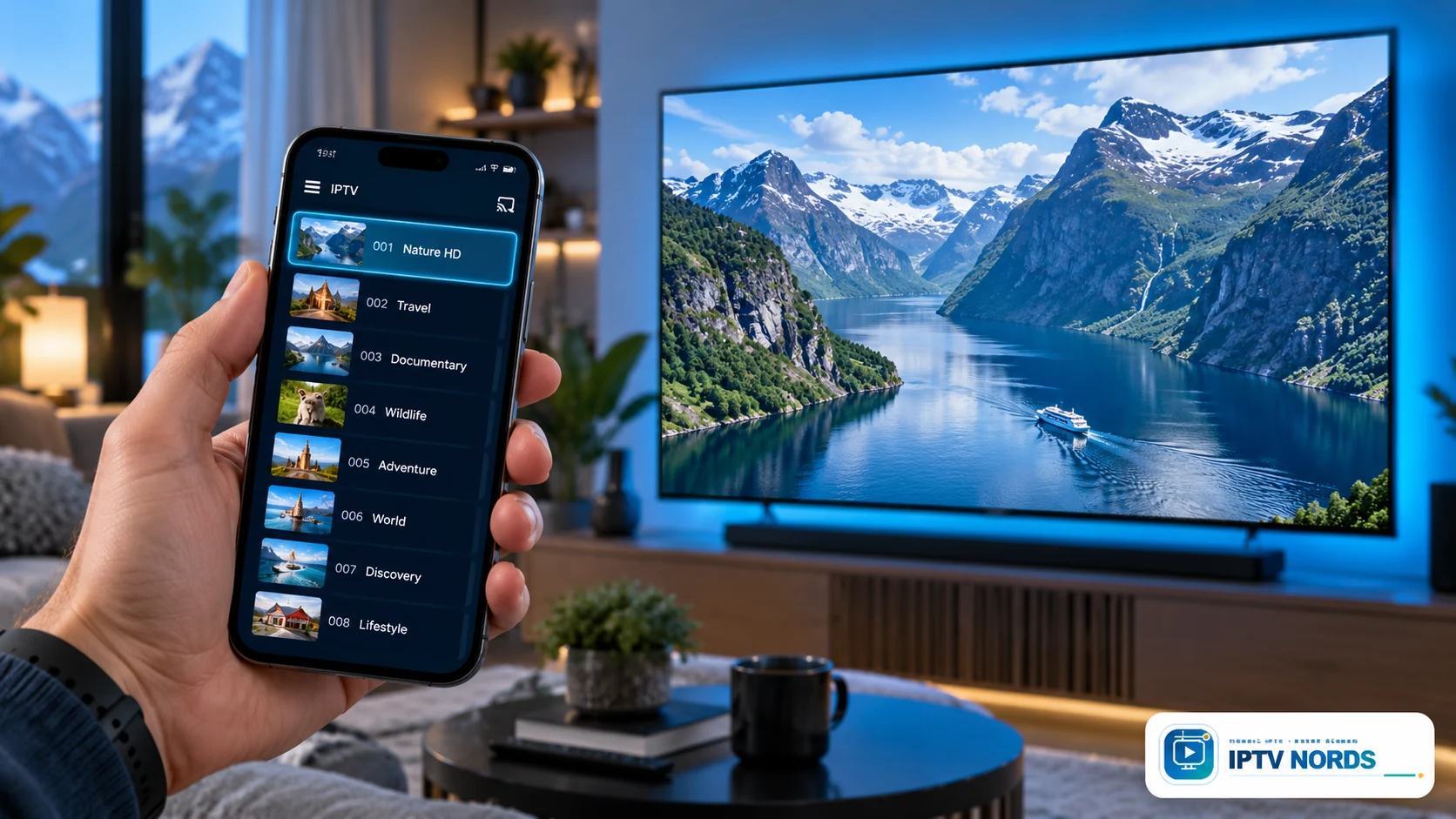
Casting can be convenient for occasional viewing when the application, television or receiver supports it. It is not a universal feature of every IPTV player, and it does not create extra subscription rights.
Google's standard Cast instructions require a compatible app and receiving device on the same Wi-Fi network. Apple's standard AirPlay video instructions likewise describe using compatible devices on the same Wi-Fi network. App support and content restrictions can affect whether video transfers successfully.
Three arrangements are worth separating:
- Native television playback: the TV or streaming box runs its own application and plays the stream.
- Supported casting: the phone selects a receiving device and controls playback through a supported casting function.
- Screen mirroring: the television displays the phone's screen, subject to device and application restrictions.
The phone may act as a controller rather than an additional independent viewer. However, if you also start a separate programme on the phone, that may open another stream. Ask how your application and provider count the arrangement you intend to use.
For regular multi-room use, independent players can be easier to manage because each room has its own controls. For occasional use, casting may be sufficient if compatibility and account conditions are satisfied.
Make different rooms comfortable for different viewers
A useful multi-room setup accommodates viewing preferences, not just hardware. One room may be used for films with subtitles; another for live television; a portable screen may be used with headphones.
Check audio and subtitle options on the actual content you intend to watch. Their availability depends on the source, subscription and player. A multilingual household should confirm specific language needs rather than assuming every title has the same tracks.
Favourites lists can reduce daily navigation. Where the application supports them, create a short list of frequently used channels or categories on each screen. Do not assume favourites or watch progress synchronise across devices: some players keep these settings locally.
For older family members, test the menu from the normal seating position. Small text, too many categories or a complicated sequence of remote buttons can make an otherwise compatible device frustrating. A brief demonstration often reveals more than a long feature list.
For Nordic households, focus on the languages and programmes each person actually uses. The Nordic IPTV guide provides broader regional context; this guide focuses on organising the screens inside your home.
Profiles, parental controls and account privacy
If your chosen application supports profiles, use them to keep preferences organised. Check what the feature controls: separate favourites do not necessarily mean separate passwords, hidden viewing history or extra streams.
Where parental controls are available, configure them on every relevant device and verify their behaviour. A PIN on the main TV may not automatically apply to an app on a tablet. Hiding a category is also not necessarily equivalent to protecting it with a PIN.
Keep account credentials private and remove access from devices you sell, give away or stop using. If a player stores a playlist URL, treat that URL as potentially sensitive. Use the provider's official support route if you need help revoking access or changing credentials.
Avoid sharing account details simply to demonstrate the service to someone outside your household. Device permission and household permission are separate questions. A multi-connection arrangement should be used according to its actual terms.
Does multi-view count as more than one connection?
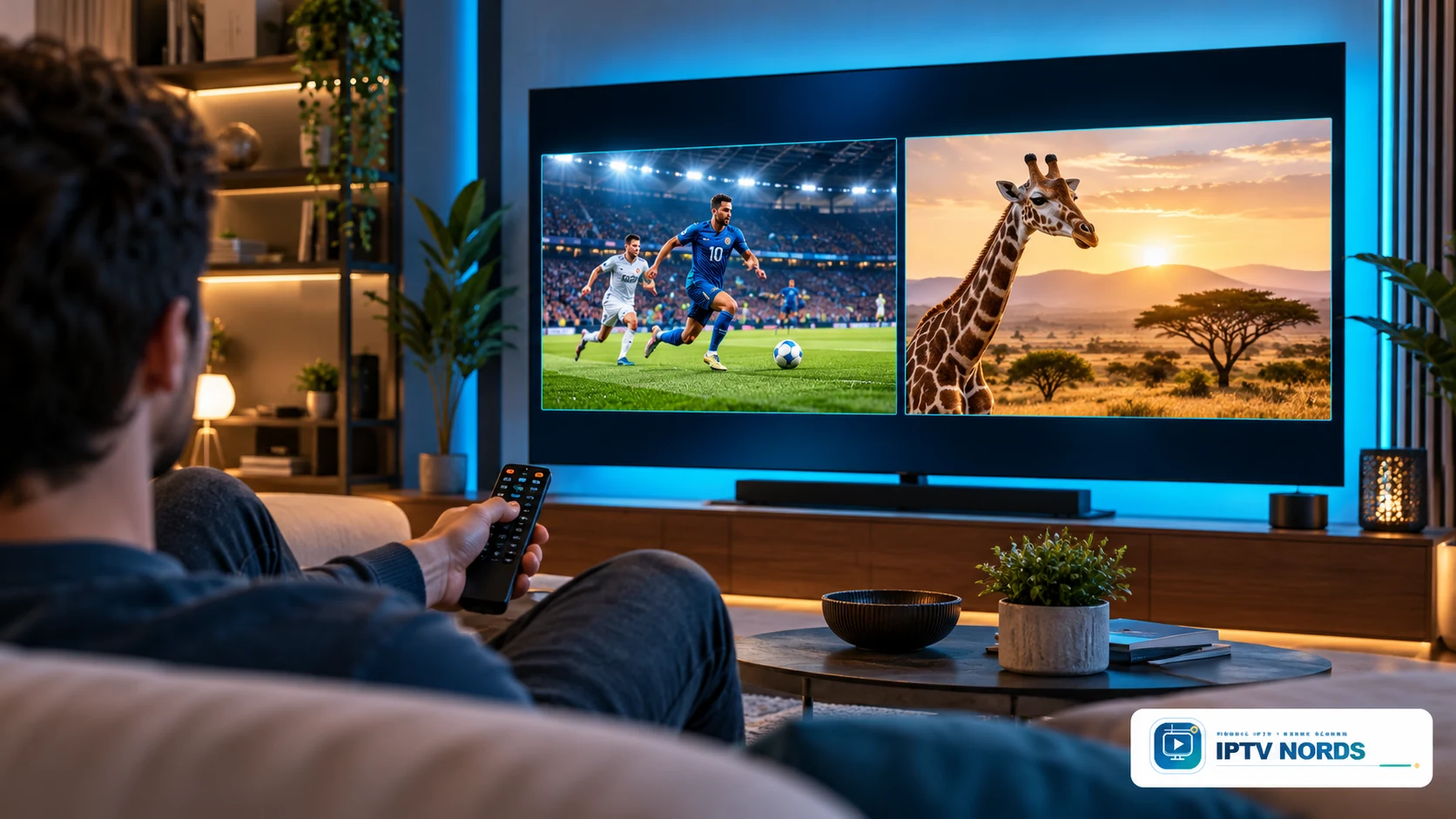
Multi-view places more than one programme on a single display, while multi-room places viewing across different locations. The two features are easy to confuse because both can involve simultaneous playback.
A player showing two independent live feeds may open two streams even though it runs on one physical television. The device must also be capable of decoding the feeds, and the application must support the feature. Neither a large screen nor a premium-sounding subscription name proves that multi-view is available.
Before using it, ask whether every feed counts toward your connection allowance, whether the player supports the desired layout and how audio is selected. Then include any other active screens in the household total.
For example, two independent feeds on the living-room TV plus one film in the bedroom could require three authorised streams, depending on the service's counting rules. Counting physical televisions alone would miss that requirement.
Compare the complete cost before adding another room
The subscription price is only one part of a multi-room budget. The second screen might already be compatible, or it might require an external device and a separate player licence.
| Cost or condition | Why it matters |
|---|---|
| Additional authorised connections | Determines whether independent simultaneous viewing is allowed |
| Player activation | May be charged separately for each device or platform |
| Streaming hardware | Needed only when the existing screen lacks the required support |
| Network equipment | Consider only after checking the actual viewing locations |
| Renewal terms | An introductory or short-duration cost may differ from future charges |
| Device replacement policy | Matters when a television or streaming box is replaced |
Compare arrangements over the same period. A low monthly subscription combined with several application fees may cost more than expected. Conversely, buying identical new devices for every room may be unnecessary if your existing TVs already support a suitable player.
Use the IPTV Nords pricing page to review current packages, then confirm the connection count and device arrangement directly. This article does not assign an unverified multi-room allowance to Standard, Premium or VIP.
For duration and renewal planning, see the IPTV subscription guide.
Questions to ask before ordering a multi-room arrangement
Give support a specific description rather than asking only whether the service works on several devices. A useful request would be: “I have one living-room Smart TV, one bedroom TV with a streaming box and one tablet. Two people need to watch different programmes at the same time in the same home. Which arrangement supports this?”
Then confirm:
- How many independent simultaneous streams are included?
- Can all intended devices be registered or used?
- Must the streams remain on the same household network?
- Does each device need separate credentials or player activation?
- Are the exact television models and applications supported?
- How are multi-view feeds counted?
- What are the renewal and device-replacement conditions?
- Are the required channels, languages and viewing rights available for your location?
Keep the response so that you can configure the second room consistently. Clear answers before purchase are more useful than discovering restrictions after installing several applications.
Frequently asked questions about IPTV on multiple devices
Can I watch different channels on two TVs?
Yes, if your subscription permits two independent simultaneous streams and both televisions use compatible players. Confirm the connection allowance and household restrictions before setting up the second television.
Does installing an IPTV app on two devices give me two connections?
No. Application installation and subscription access are separate. The service determines how many streams may play concurrently, while the application may also have its own device licensing rules.
Can one connection be enough for two rooms?
It can be enough when only one screen plays at a time and the provider permits both devices. Stop the first session before moving to the second room, and check any registration restrictions.
Do two TVs on the same Wi-Fi count as one stream?
Not automatically. If both televisions independently request video, they can count as two simultaneous streams. Sharing a router does not combine those sessions into one.
Does the second TV need a streaming box?
Only if its built-in platform cannot provide the required supported playback arrangement, or if you prefer an external device. Check the exact television model and current application availability before buying hardware.
Are profiles the same as extra connections?
No. Profiles organise preferences within an application. They do not necessarily increase the number of authorised concurrent streams or provide separate service accounts.
Can I use a tablet while someone watches the television?
Yes, when both devices are supported and your subscription permits their simultaneous use. An independently playing tablet is another viewing session, even when it is in the same room as the TV.
Will my favourites and viewing progress appear on every screen?
Only if the application or service supports that synchronisation. Some settings are stored locally. Check the feature before relying on it, especially when using different players on different devices.
Can I use the same account at a second home?
Do not assume that multi-room permission includes another household or location. Ask about network, geographic and household rules. A separate arrangement may be required.
Does IPTV Nords include multi-room in every package?
The connection allowance must be confirmed for the current package and intended setup. Contact IPTV Nords with the number of screens that will play simultaneously; package names alone do not establish that allowance.
Plan your IPTV Nords setup around the screens you actually use
The best multi-room arrangement is the one that fits your household's real viewing pattern. Start with the number of simultaneous programmes, confirm permission for each device and choose players that everyone can operate comfortably.
Then configure one screen, add the next and verify the complete authorised arrangement. Keep credentials private, make favourites easy to find and check whether language, profile and subtitle settings need to be configured separately in each room.
Ready to plan your second screen? Contact IPTV Nords with your television models, country and required number of simultaneous viewers. Review the available packages and the device guide together so the subscription and hardware match from the start.
Use the pages below to keep the package, device and setup decision connected.