
Looking for an IPTV subscription in Europe? Start with the programmes you actually watch, the country where you will watch them and the exact device in your living room. A household in Belgium might need Dutch and French audio on the same TV. A family in Finland might prioritise Finnish subtitles and a second simultaneous stream. Someone moving from Ireland to Spain has a different question: which programmes will still be available at the new address?
This IPTV-NORDS guide covers European markets and selected countries commonly included in broader regional comparisons. Use the country sections to build a shortlist of channels, languages and device checks. Availability, pricing and package terms depend on the service and the viewing address.
Nordic IPTV subscriptions
Sweden
Check Swedish commentary for the sports you follow and Swedish subtitles on individual series. On a shared Smart TV, see how quickly everyone can switch between Swedish favourites and international channels.
Norway
Ask about Norwegian audio and local news feeds. If you plan to watch at both home and a cabin, check location rules and test the cabin connection on an evening when the area is busy.
Denmark
Check Danish subtitles on imported movies and whether the app keeps your preferred subtitle language between episodes. Put the channels you watch daily on one favourites list to test the remote workflow.
Finland
For a bilingual household, verify Finnish and Swedish audio or subtitles separately. If ice hockey matters, ask about the specific fixture and whether replays are included.
Iceland
Check Icelandic-language news and subtitles on named titles. For an evening viewing test, compare a live stream and an on-demand episode on your actual home network.
United Kingdom and Ireland
United Kingdom
Confirm the exact regional news feed for England, Scotland, Wales or Northern Ireland. For live sports, verify the competition, fixture and commentary feed independently of the plan name.
Ireland
Ask for Republic of Ireland channels and any Irish-language programming you use. If the plan also lists UK channels, check which feeds open at your home address and which have catch-up playback.
Western European IPTV subscriptions
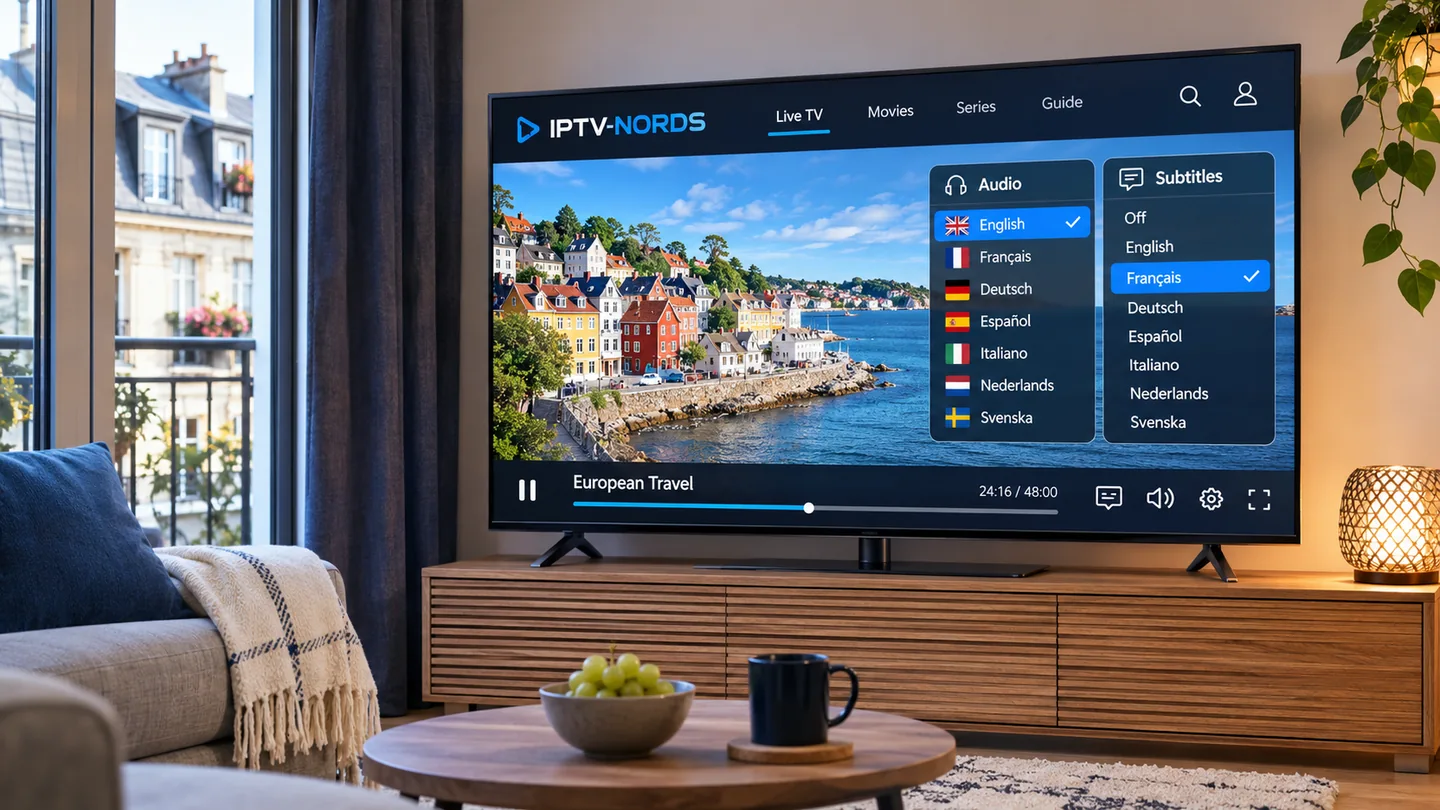
France
For an abonnement IPTV, check French dubbing, original audio with French subtitles and the exact regional news you follow. Test those options on your TV app because the menu may look different on mobile.
Belgium
Make a list of French-, Dutch- or German-language programmes your household watches. Verify each feed separately, especially if one person wants local news while another watches a live match.
Netherlands
Check Dutch commentary, Dutch subtitles and any regional channels by name. If you watch mostly on a streaming stick, confirm the player can be installed from your local store.
Luxembourg
Compare Luxembourgish, French and German options by programme. Ask whether the player remembers different language choices across devices or uses one shared account preference.
Monaco
Check Monaco-specific coverage and French-language feeds at your address. A catalogue listed for France can still require a separate availability check in Monaco.
Central European IPTV subscriptions
Germany
When comparing an IPTV Abo, ask for German commentary on the events you watch and German dubbing on the films you choose. Check whether any advertised UHD feed is available for the specific programme.
Austria
Ask for Austrian news and sports feeds by name. For winter sports, check event availability and whether the replay remains accessible after the live broadcast.
Switzerland
Check German, French, Italian or Romansh options according to your household. Confirm checkout currency and whether the advertised plan price includes all charges for your billing address.
Liechtenstein
Check that the subscription accepts your billing address and that German-language feeds work locally. Confirm app-store access separately if your device account is registered elsewhere.
Poland
Ask for Polish commentary and check whether an imported title offers Polish dubbing, voice-over or subtitles. The available track can vary from one movie to the next.
Czechia
Verify Czech news and Czech-language versions of the shows you watch. If you also want Slovak channels, ask for the exact channel names before choosing the package.
Slovakia
Ask about Slovak audio and captions independently of the menu language. Try searching by both the original and Slovak titles if you regularly watch imported series.
Hungary
Check Hungarian dubbing and subtitle options on specific films. If family members watch at the same time, compare the simultaneous stream limit with the number of devices you own.
Southern Europe and the Mediterranean
Spain
For an IPTV subscription in Spain, check Castilian Spanish and any Catalan, Galician or Basque programming you need. Verify the particular regional feed and confirm rights for named sports fixtures.
Portugal
Ask whether a film has European Portuguese audio or subtitles if that distinction matters to you. For viewers in Madeira or the Azores, confirm billing and playback at your address.
Italy
Compare an abbonamento IPTV by Italian commentary, Italian subtitles and named programmes. Check live-event access and catch-up separately if you often watch matches after work.
Greece
Verify Greek subtitles and domestic channels. If older relatives use the TV, check whether favourites and captions can be reached easily with the standard remote.
Cyprus
Check Greek, Turkish or English programme options as needed, and confirm service availability at your address. For a bilingual household, inspect the audio menu during playback.
Malta
Check Maltese-language news and English-language programmes by name. If viewers often switch between a tablet and the main TV, test where the app saves playback position.
Andorra
Ask about Catalan programmes and any French or Spanish feeds you follow. Confirm local availability and billing directly, especially if the offer is described for a neighbouring country.
San Marino
Verify billing for San Marino and check the Italian-language channels and shows you actually use. Ask about the specific device and account region if a player fails to appear in the app store.
Vatican City
Check eligibility at the actual viewing address and ask for named Italian-language programmes. Treat an offer marketed to Italy as a separate availability check.
Baltic IPTV subscriptions
Estonia
Ask about Estonian news, subtitles and the exact audio tracks for imported shows. If your household also watches in Russian, check both language options on a short list of titles.
Latvia
Verify Latvian audio, subtitles and local live channels. Compare how easily the player switches between domestic and international favourites with a TV remote.
Lithuania
Check Lithuanian news and subtitles by programme, then test search on the TV app. If sports matter, ask about the league or competition and the commentary language.
Southeastern European IPTV subscriptions
Slovenia
Check Slovenian subtitles and local news. If you use regional channels from neighbouring markets, verify each feed and its audio before relying on the same subscription.
Croatia
Ask for Croatian commentary and local channels by name. Check travel and location rules if you plan to use the same subscription at a coastal holiday home.
Bosnia and Herzegovina
Check local news feeds and Bosnian, Croatian or Serbian programme preferences. If several people watch together, test how the app organises favourites across languages.
Serbia
Check Serbian commentary and preferred subtitle script on the TV you will use. Try programme search with the titles and spelling your household normally uses.
Montenegro
Ask for Montenegrin news and any neighbouring feeds you watch regularly. Confirm renewal currency and the exact device you intend to use before committing.
Kosovo
Verify Albanian or Serbian programme options and billing eligibility for your address. Ask the provider for a short list of the channels you can expect to use locally.
Albania
Check Albanian audio, news and subtitles by title. If family members live abroad, ask about access at each viewing address before assuming one plan will cover them.
North Macedonia
Verify Macedonian and Albanian programme options as needed. Check how the player displays subtitles and search results on your TV rather than judging solely from a mobile app.
Bulgaria
Check Bulgarian subtitles, domestic news and the commentary track for sports. Try the remote keyboard with Cyrillic if you regularly search for titles in Bulgarian.
Romania
Check Romanian news, sports commentary and subtitles. For imported shows, ask whether captions appear on all seasons or only selected episodes.
Türkiye
Check Turkish commentary, dubbing and channels by name. Confirm the country or territory permitted by your plan if you split your time between Türkiye and another market.
Eastern Europe and transcontinental markets
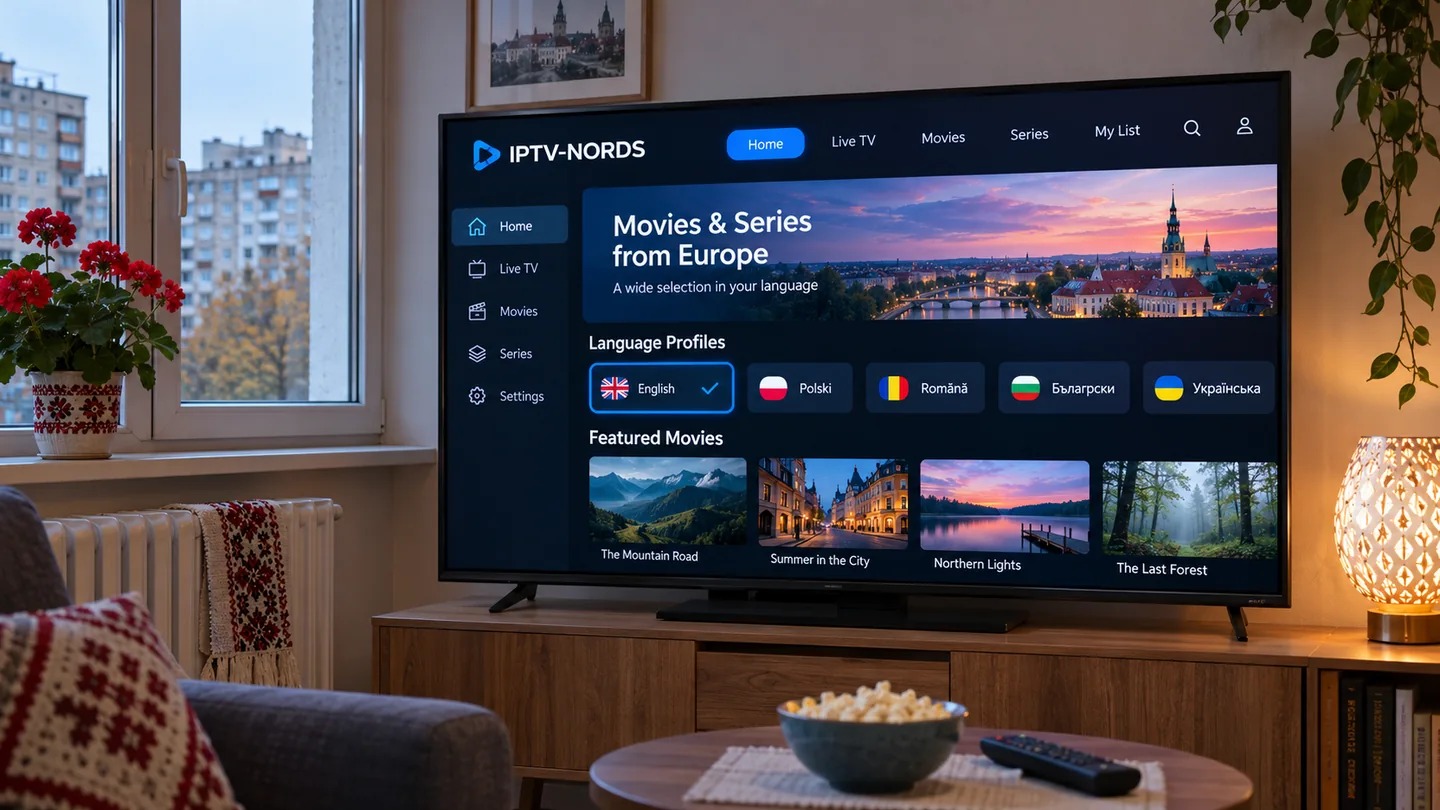
Ukraine
Verify Ukrainian-language audio and subtitles on the titles you watch. If you recently moved, confirm availability and the current rules for use at your new address.
Moldova
Ask about Romanian and Russian programme options according to your preferences. Confirm the payment currency and the final renewal charge before choosing a longer plan.
Belarus
Ask whether the provider can serve your billing and viewing address and confirm available Belarusian or Russian programming. Verify accepted payment options directly.
Russia
Check local service eligibility and Russian audio on named titles. Confirm that your chosen player can be installed with your app-store account before paying.
Georgia
Ask for Georgian news and programme audio by title, and check whether subtitles display correctly on your chosen television or streaming box.
Armenia
Verify Armenian channels and audio independently of the app menu. If you need regional and international channels together, check both lists at your viewing address.
Azerbaijan
Check Azerbaijani audio and local news, plus any Turkish or Russian tracks your household uses. Confirm the provider supports the device model you own.
Kazakhstan
Verify Kazakh and Russian programme options and the allowed viewing address. Check subtitles on the exact player you will install, since TV and mobile apps may behave differently.
How to compare European IPTV plans
Start with three programmes you watch every week and one live event you would miss. Write down the channel or title, the preferred audio track and whether you need it live, on demand or as a replay. Ask for availability at your address before comparing catalogue sizes. A smaller catalogue that covers those four items can be a better fit for your household.
Compare the subscription price, duration, renewal terms, taxes and any separate player fee. Divide the full amount by the covered months if you are comparing a monthly plan with an annual IPTV subscription. Check what happens at renewal and how you would cancel before choosing a longer commitment.
Count the streams you will run at the same time. Two televisions and a tablet may need a single stream if you switch between them, or three if everyone watches independently. Ask how the provider counts active playback and whether a stream on a second network follows different rules.
IPTV-NORDS lists its subscription options on the Pricing page. Use that page for current plan details and ask about named channels or programmes through Contact.
Smart TV, Fire TV and IPTV player compatibility
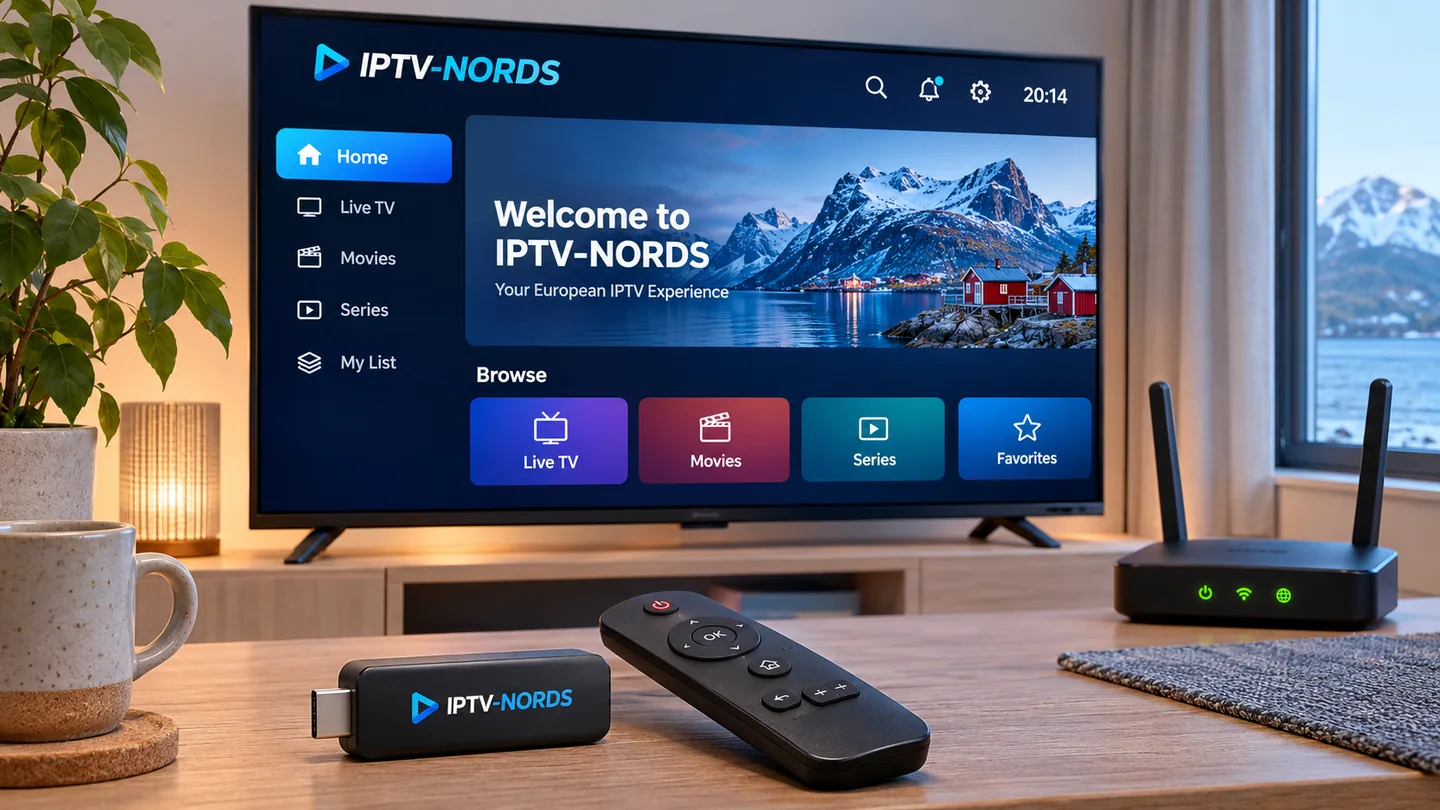
Use the exact model and operating system when checking IPTV for Smart TV. A Samsung TV, LG TV and Android TV can have different app stores and installation choices. A familiar brand name can cover several generations with different support. Check the store on the actual screen and verify whether the player requires a separate purchase.
For IPTV on Fire TV, Android TV or a streaming box, confirm the player accepts the access method supplied by the service. For Apple TV, phones and tablets, check the same details separately. Read the IPTV-NORDS Devices and Apps pages, then follow the Setup Guide for the device you intend to use first.
For a household where someone relies on subtitles, test how to open the subtitle menu with the remote, adjust visibility and return to full screen. If you frequently switch languages, confirm whether the player remembers that choice by profile, device or title.
4K IPTV, Full HD and live sports
Confirm the maximum resolution of the content you intend to watch, plus support on the player, streaming box and display. A 4K-capable TV can play Full HD content, and the source determines the detail available. For sports, motion handling and the reliability of the connection can matter more to your experience than the resolution label.
Try a live stream and an on-demand title during your household’s usual viewing hours. If playback struggles, compare Ethernet and Wi-Fi where practical, reduce video quality temporarily and test a second programme on the same device. Then try that same stream on another compatible device to narrow down whether the issue follows the content, app or network.
Ask about named fixtures, local commentary and the replay window. If a sporting event is the deciding factor, verify that precise event before choosing a sports IPTV subscription. Do the same for a film or complete series if the on-demand catalogue is your priority.
IPTV for multilingual households and viewers abroad
Channel country, audio language and subtitle language are three separate choices. A French-language film may have no Dutch subtitles, and a German-language sports feed may use different commentary from a feed marketed for Austria. Make a list of the language combinations that matter in your home and confirm those combinations on specific titles.
Before moving, travelling or ordering for a second home, give the provider your actual viewing destinations. Ask what access is available at each location, whether simultaneous viewing is permitted across networks and whether your player can be installed with your current app-store account.
If a relative lives in another country and needs help setting up a device, send the official device guide and help them choose a player for their own TV. Confirm location and account rules before assuming one household plan can cover separate addresses.
Frequently asked questions
What is an IPTV subscription?
It is paid access to television delivered over an internet connection. Depending on the plan and location, it can include live channels, on-demand programmes or both.
What is the best IPTV subscription in Europe for my home?
Choose by confirmed programme availability in your country, your preferred languages, the exact TV model and the number of simultaneous streams you need. Compare the full cost and renewal conditions once you have a shortlist.
Can I watch IPTV on two TVs at once?
Check the plan’s simultaneous connection limit and location rules. A player installed on both TVs is a separate matter from permission to stream on both at the same time.
Can I use the same IPTV subscription when I travel?
Ask the provider about the destination and the programmes you want to watch. The app may be available at the destination while individual channels or titles have separate location restrictions.
Does 4K IPTV include 4K sports?
Ask for the resolution of the event you plan to watch. Device support, source quality and home network conditions all affect the viewing experience.
Do I have to pay for an IPTV player separately?
That depends on the player and device platform. Check purchase or renewal fees in the official app store and add them to the subscription cost before comparing offers.
How do I compare IPTV-NORDS plans?
Start at iptv-nords.com. Check Pricing for current plan terms, Devices for compatibility and Contact for programme or location questions.
Ready to compare? See current IPTV-NORDS subscription plans and have your country, device model and must-watch programmes handy.
Use the pages below to keep the package, device and setup decision connected.